\n
\n


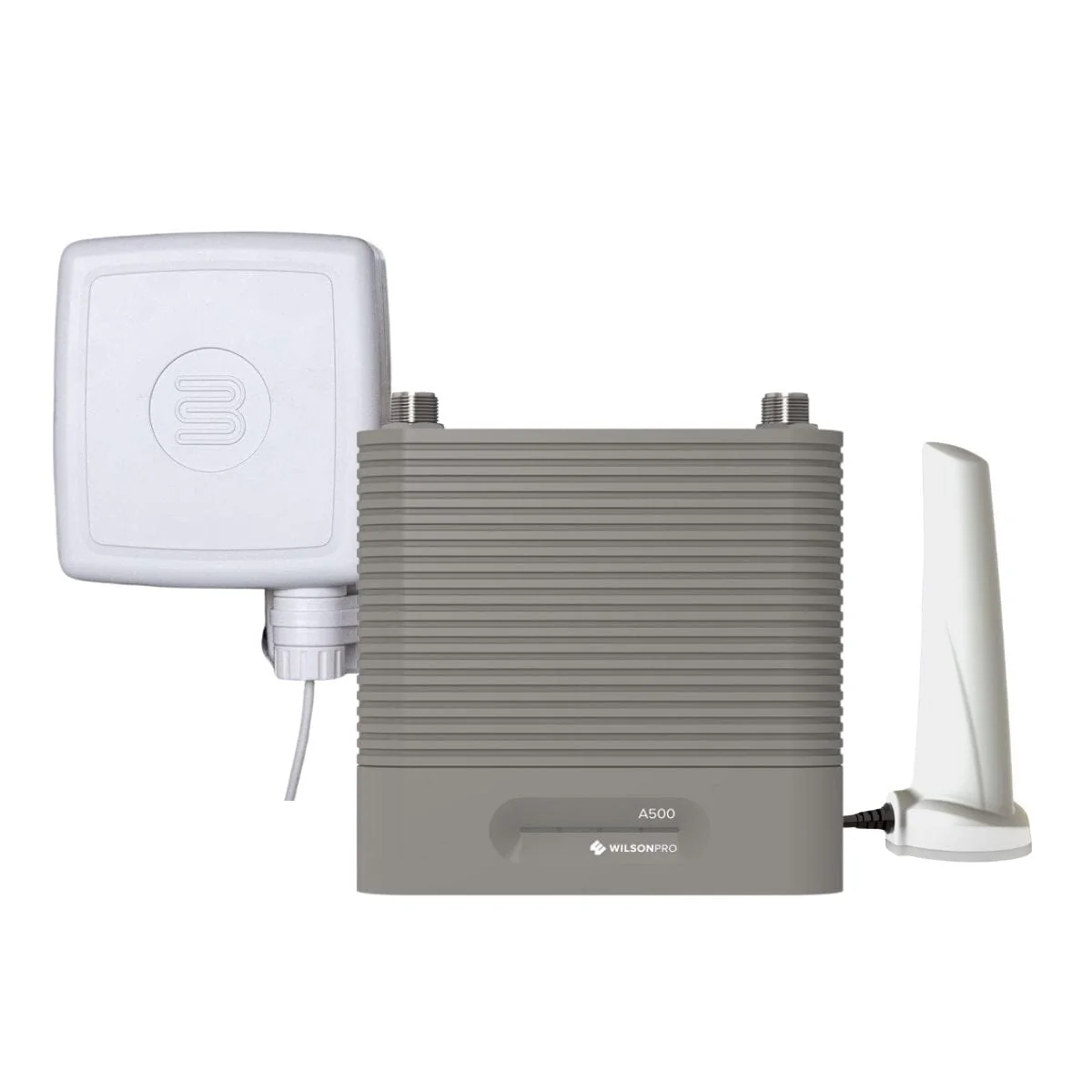
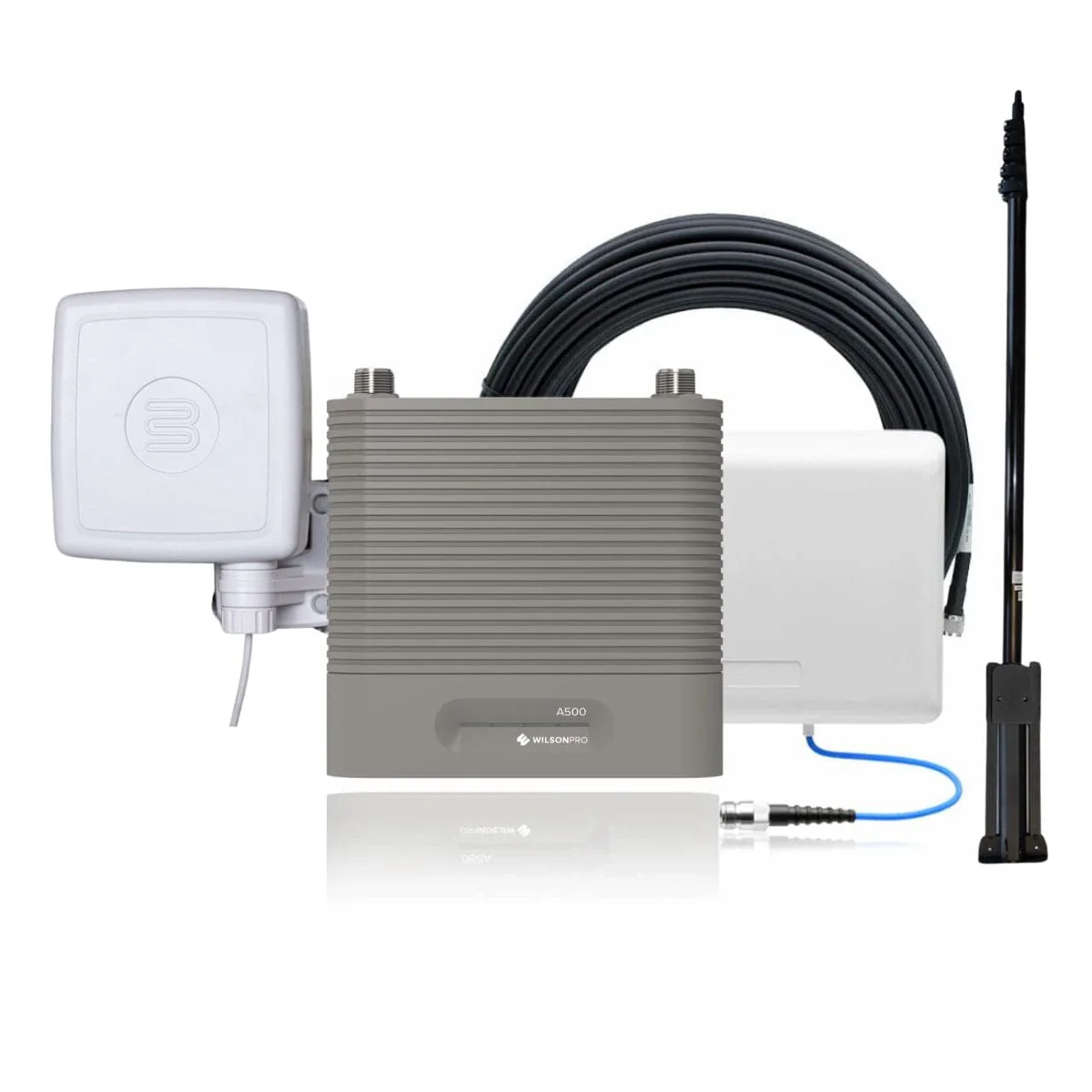
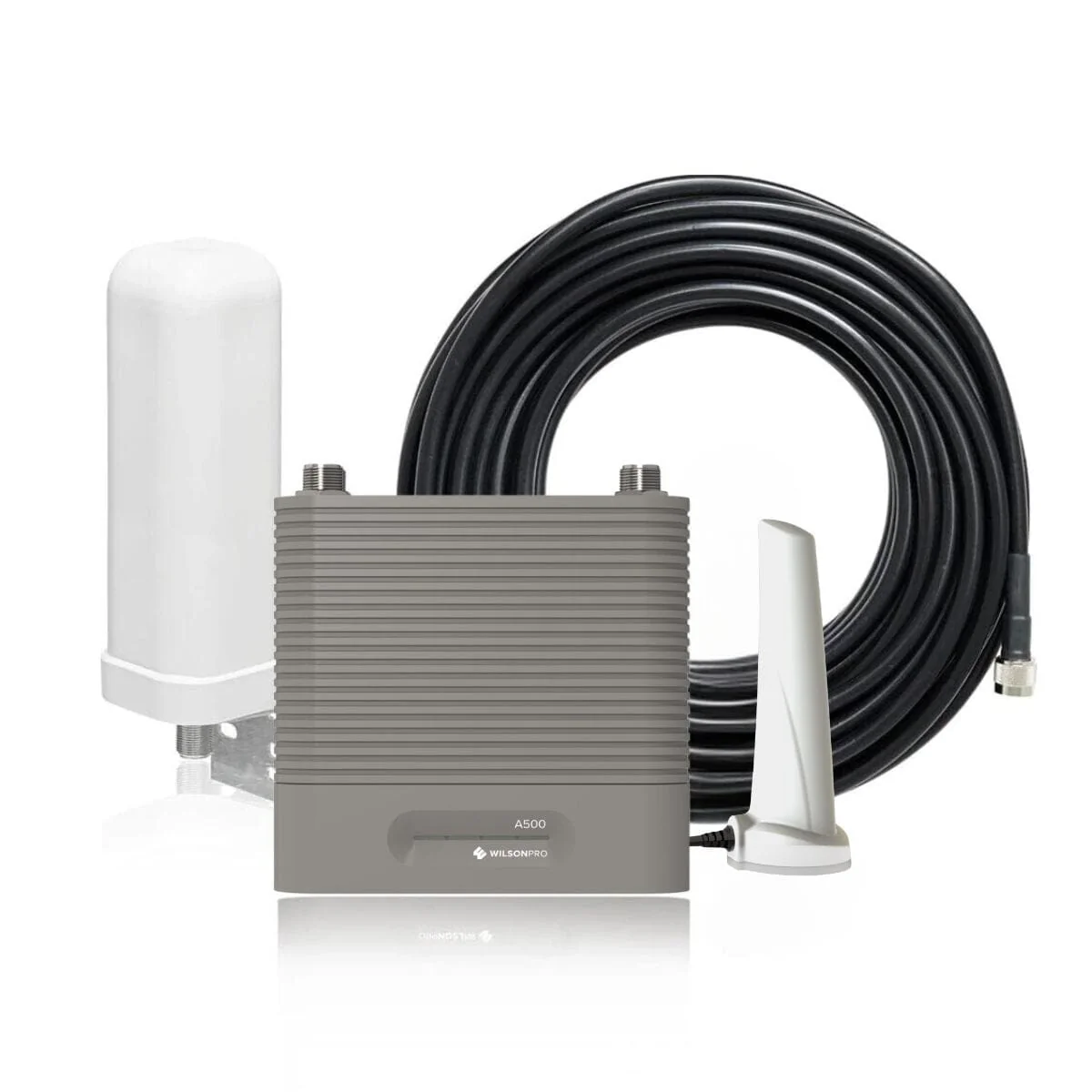
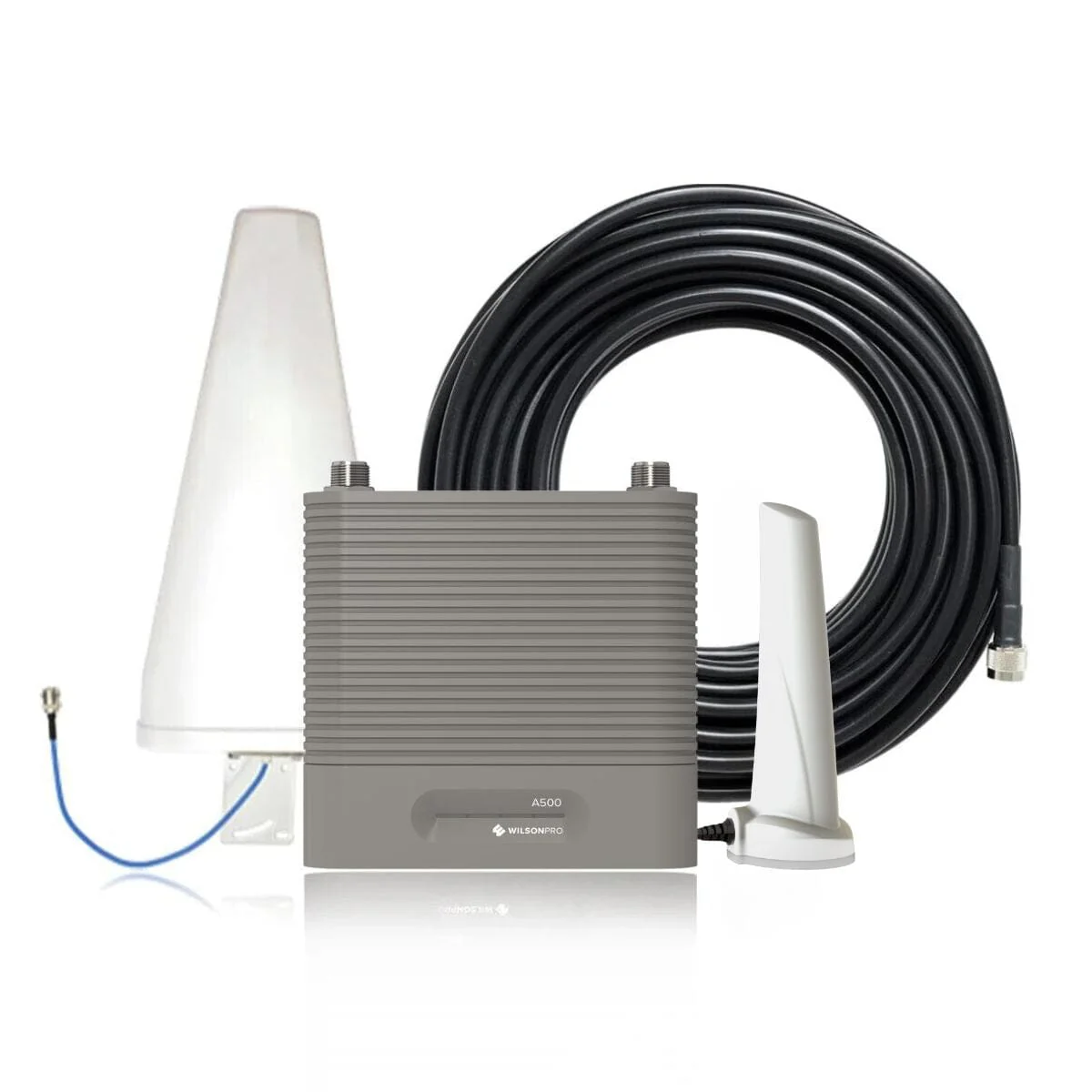
Outside Antenna
Pulls in Tower Signal
Pulls in Tower Signal
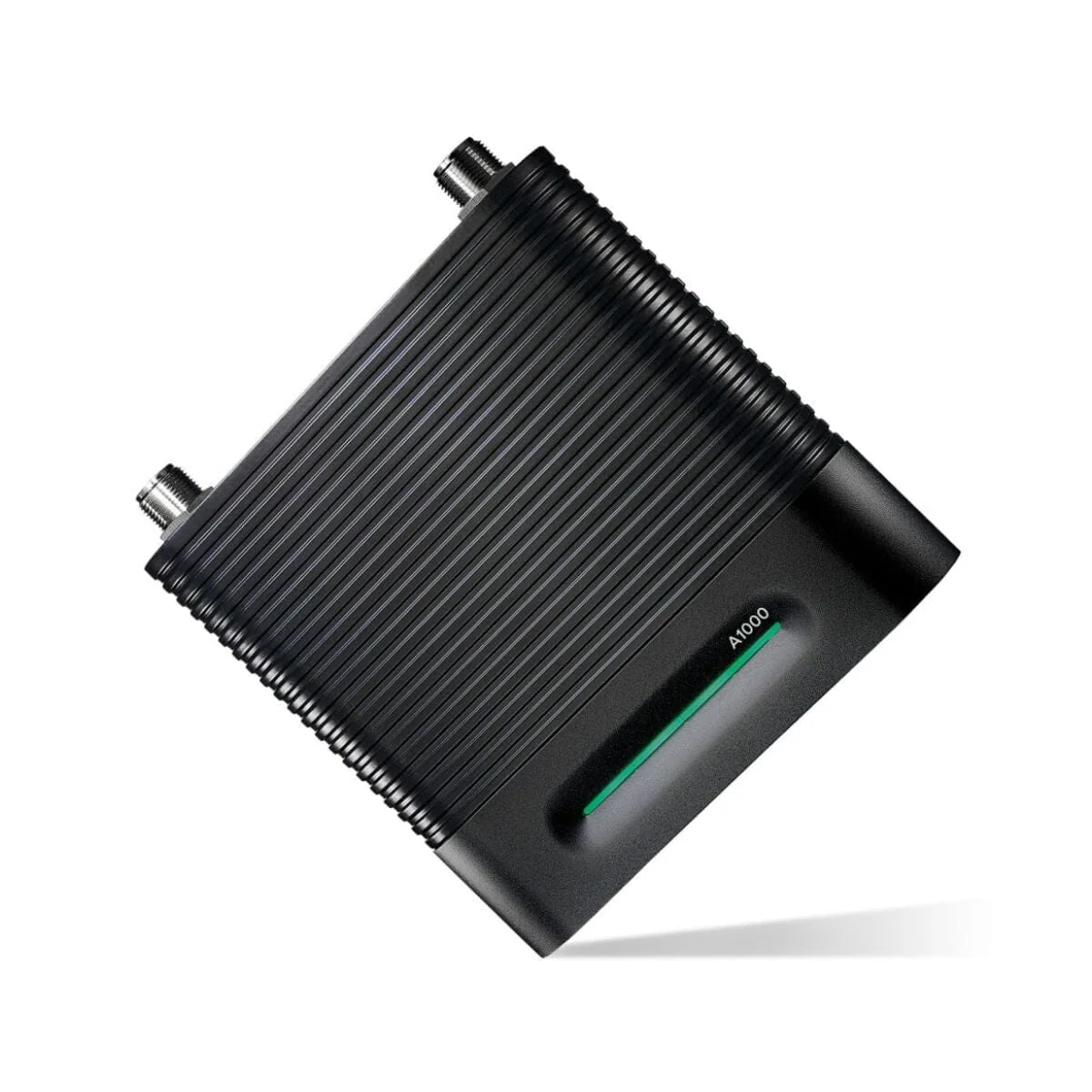
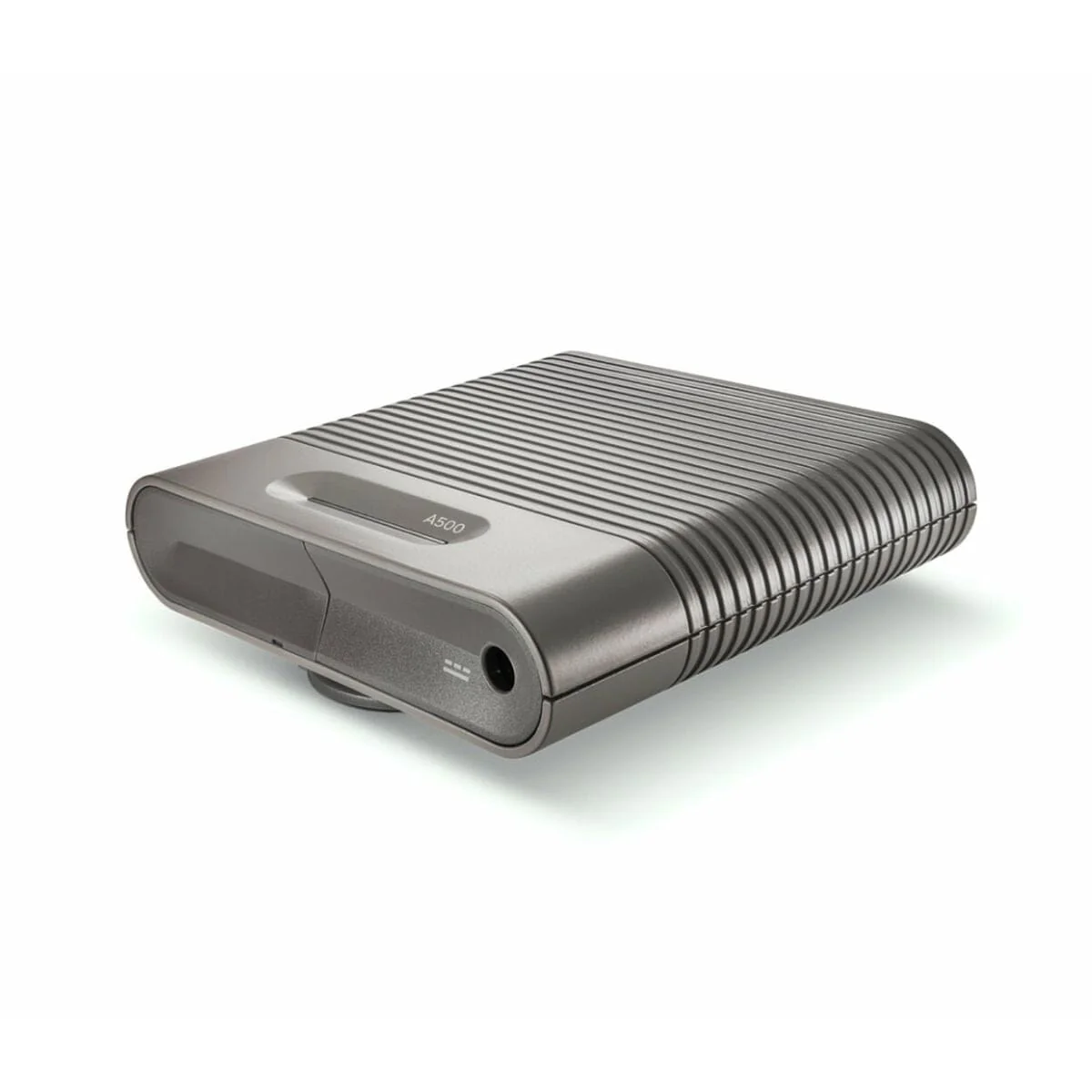
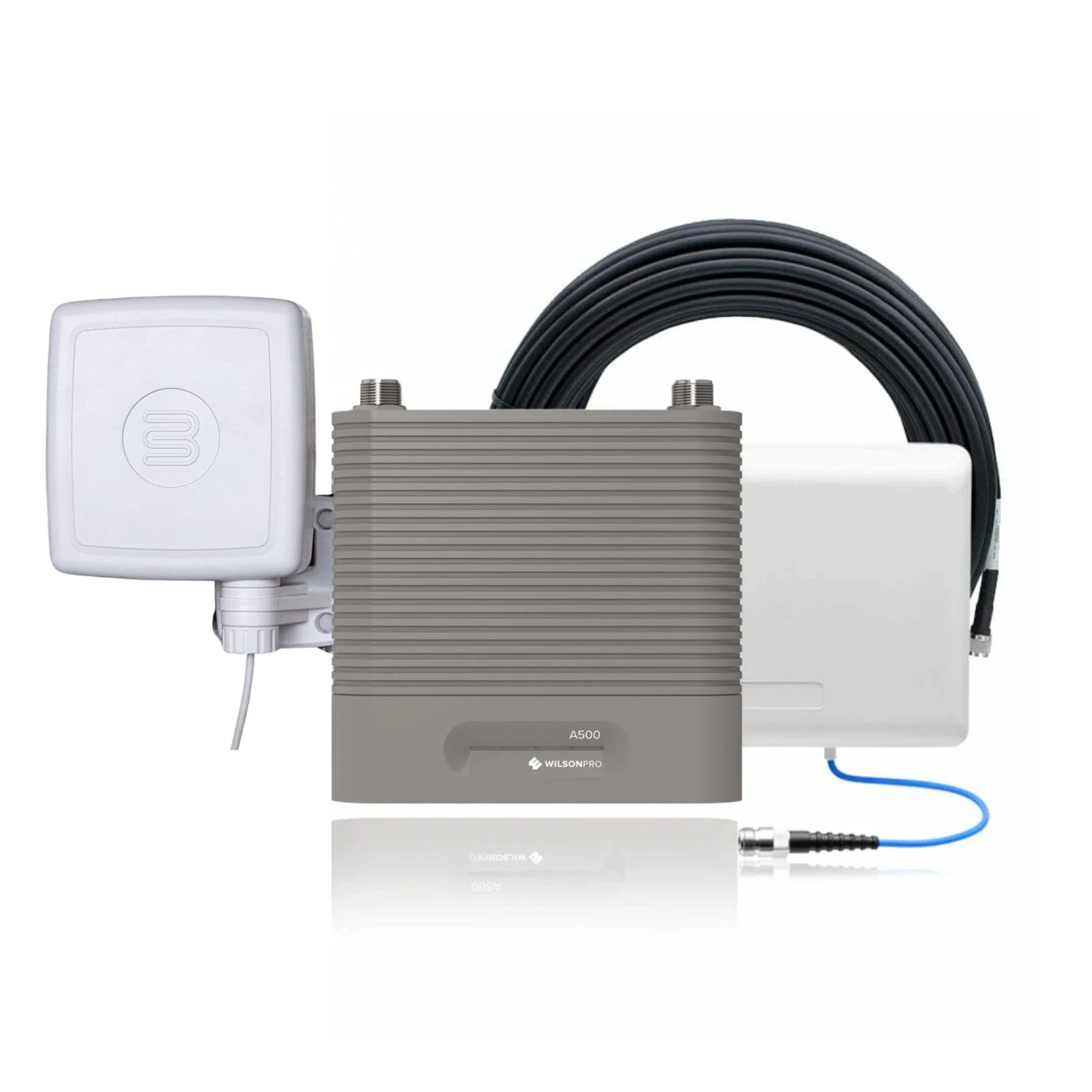
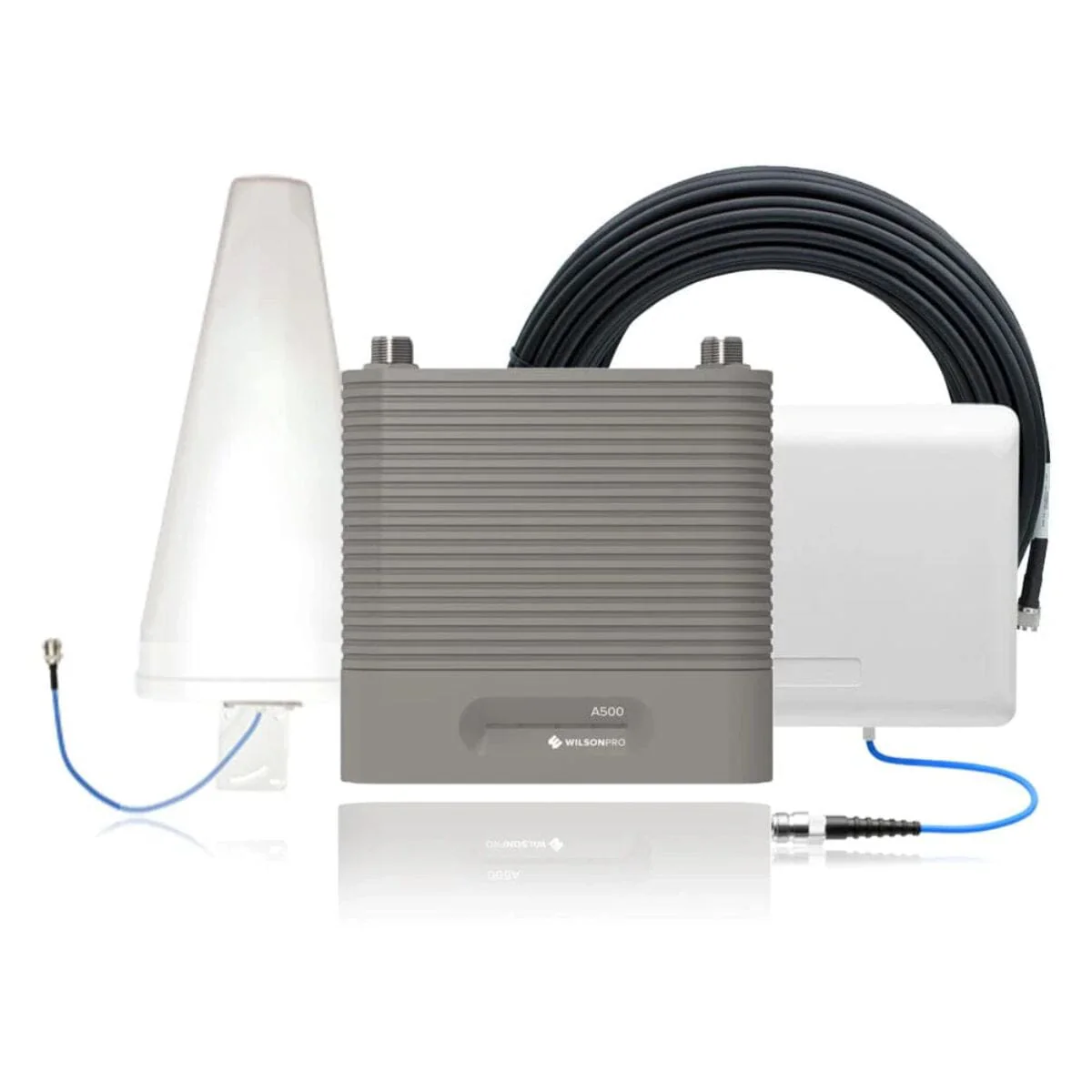
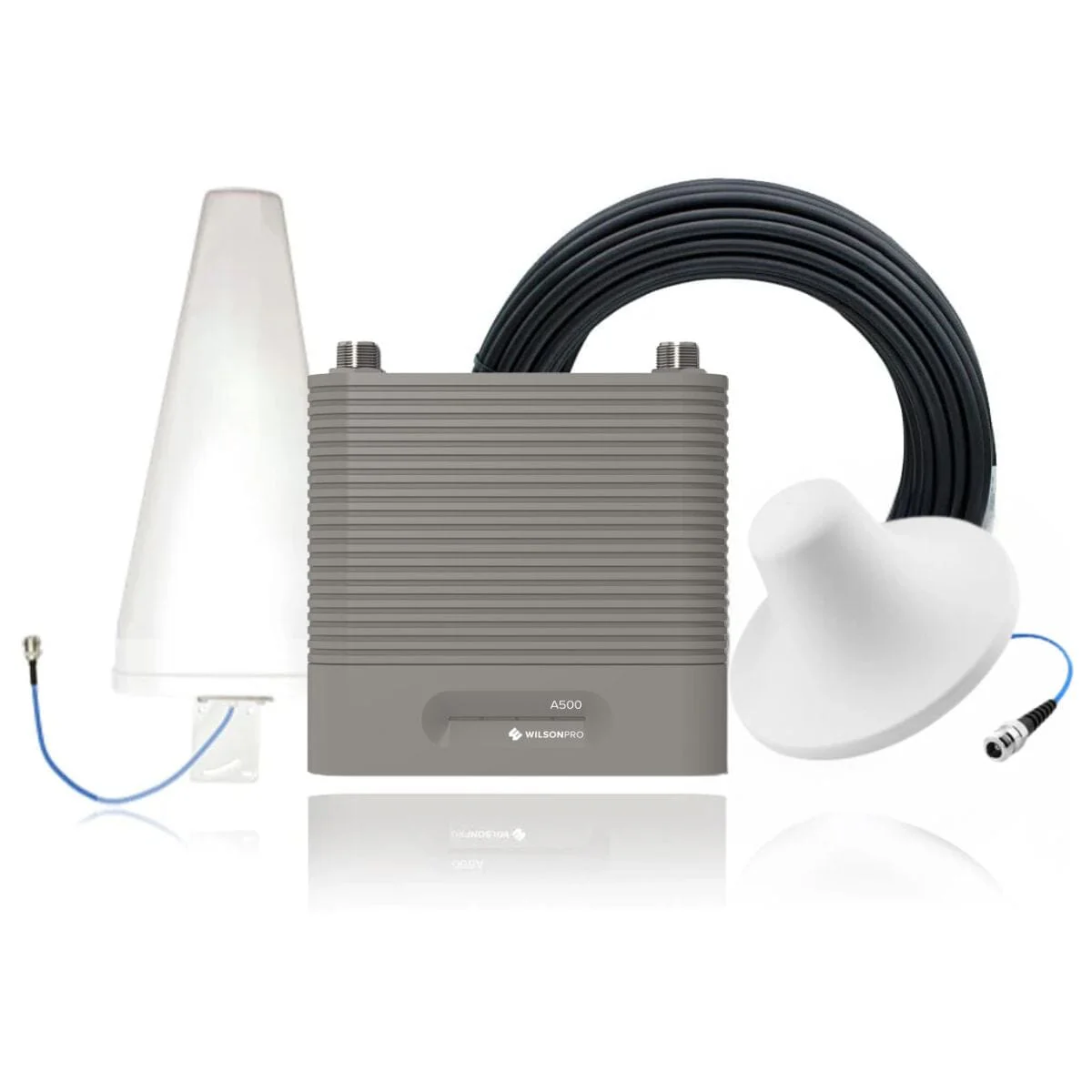
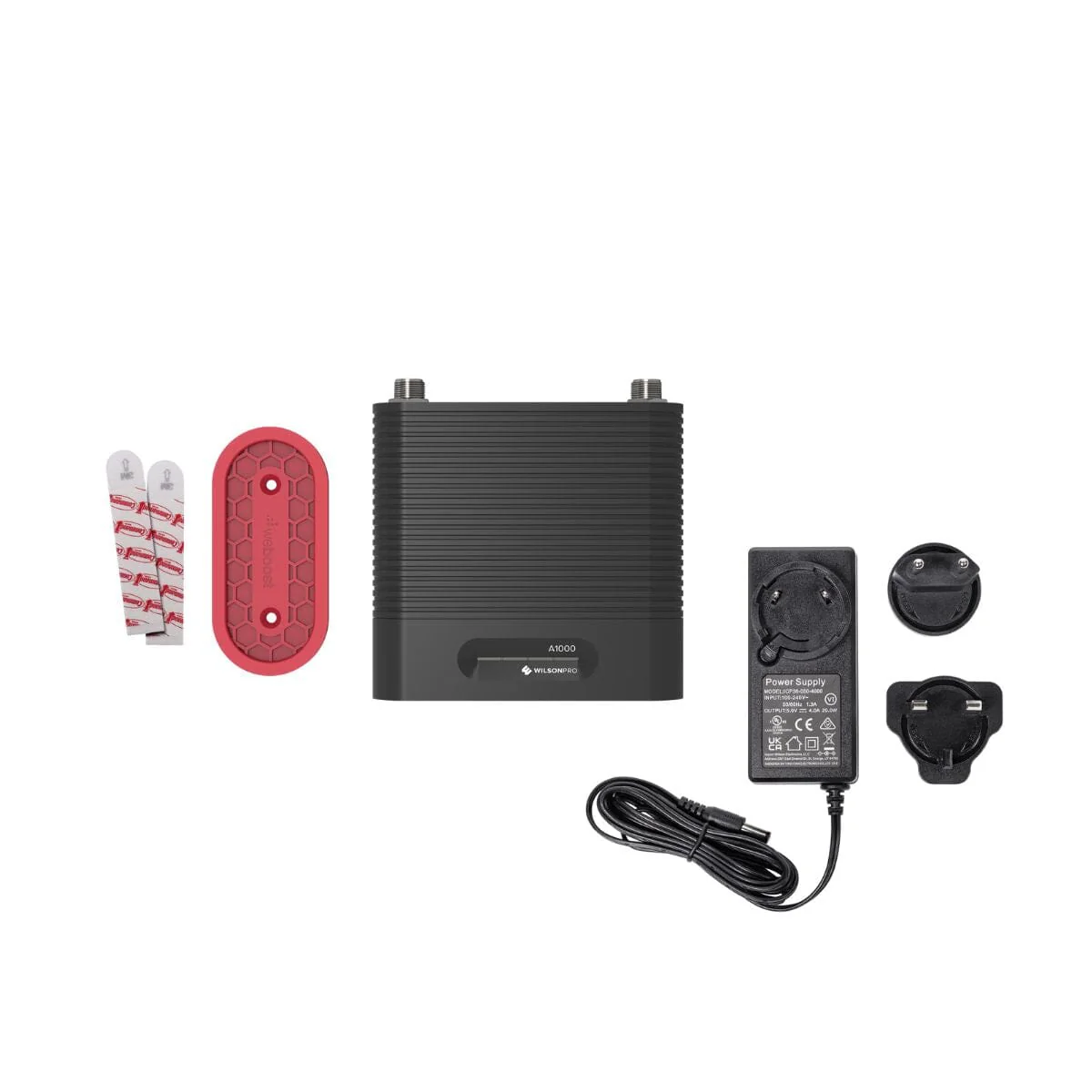
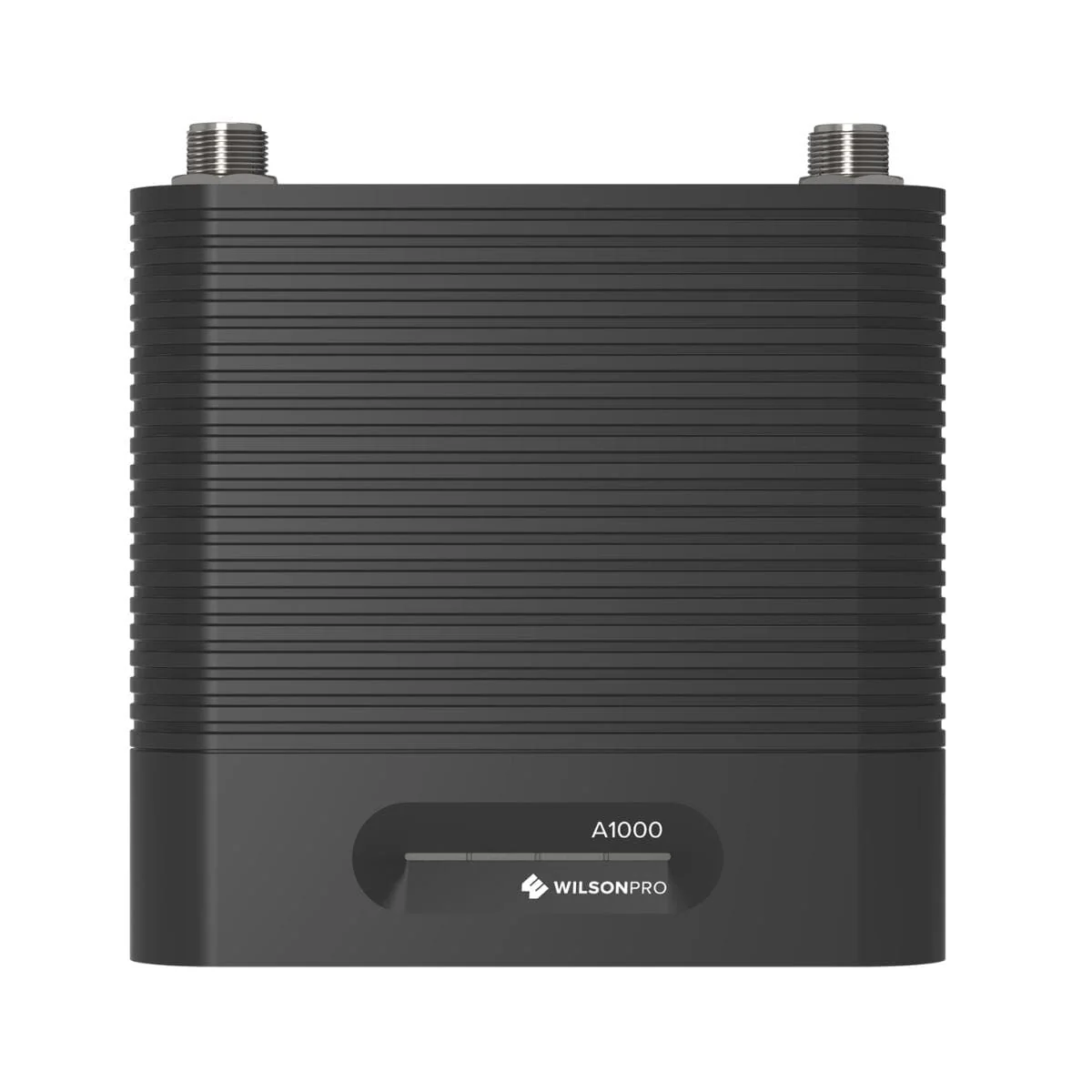
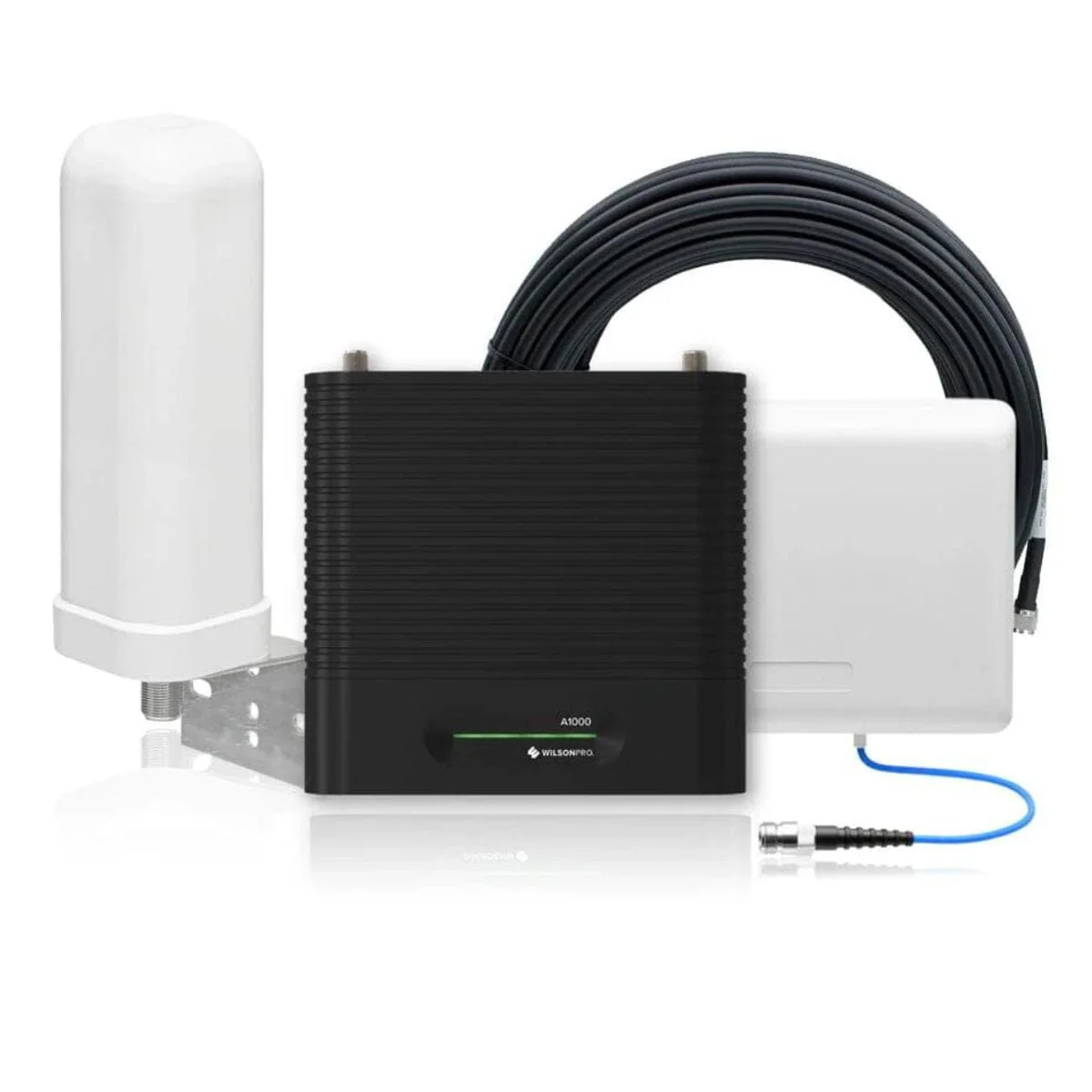
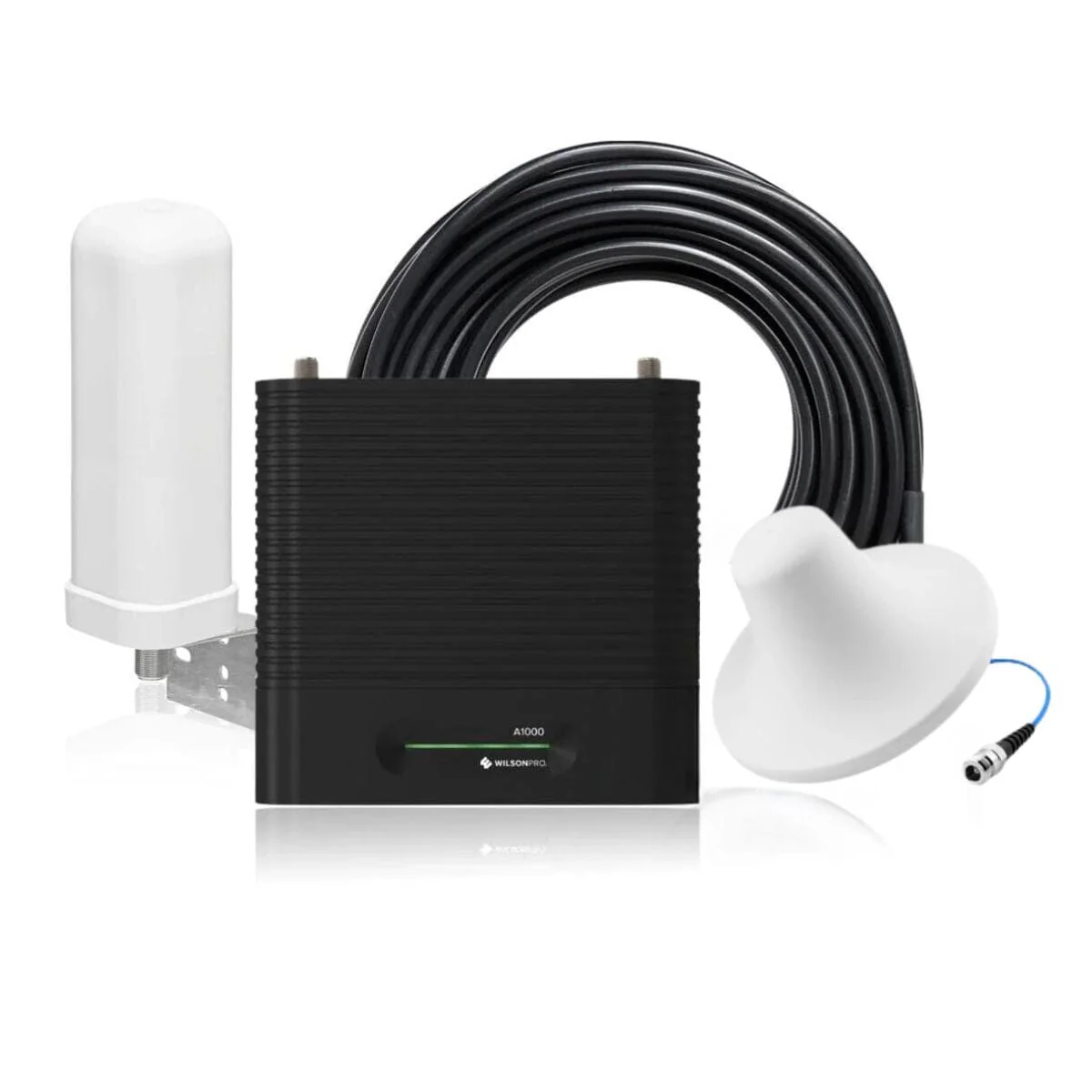
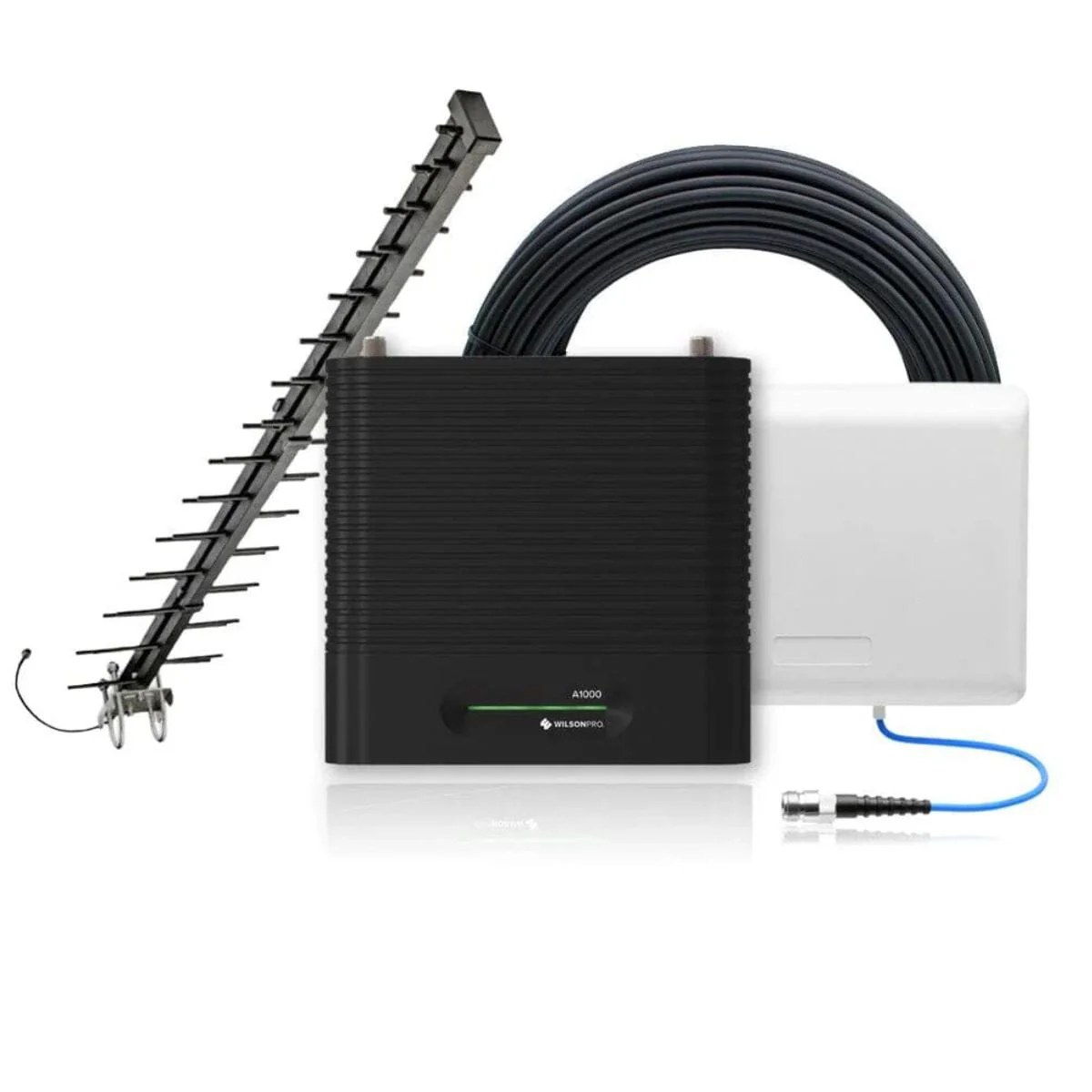
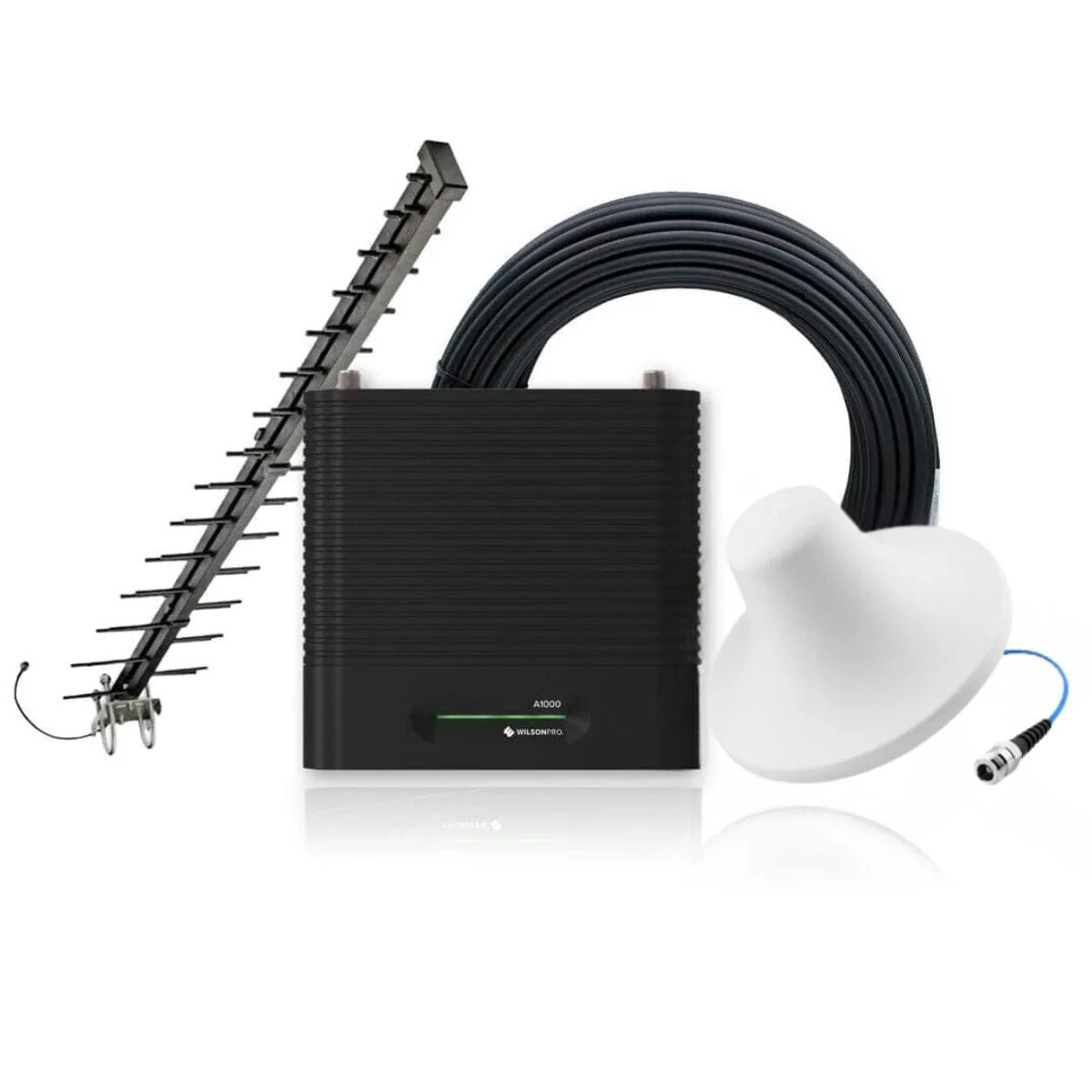
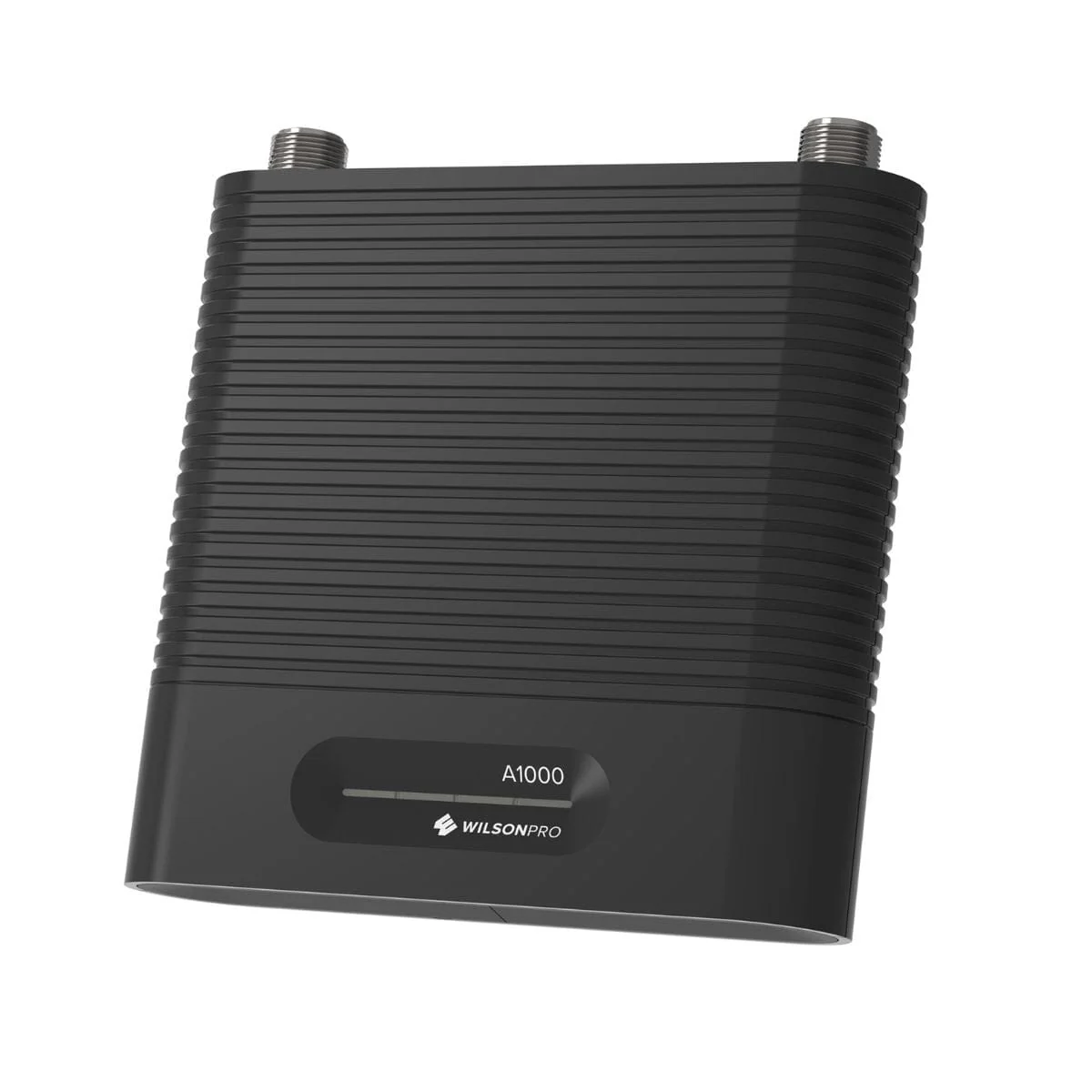
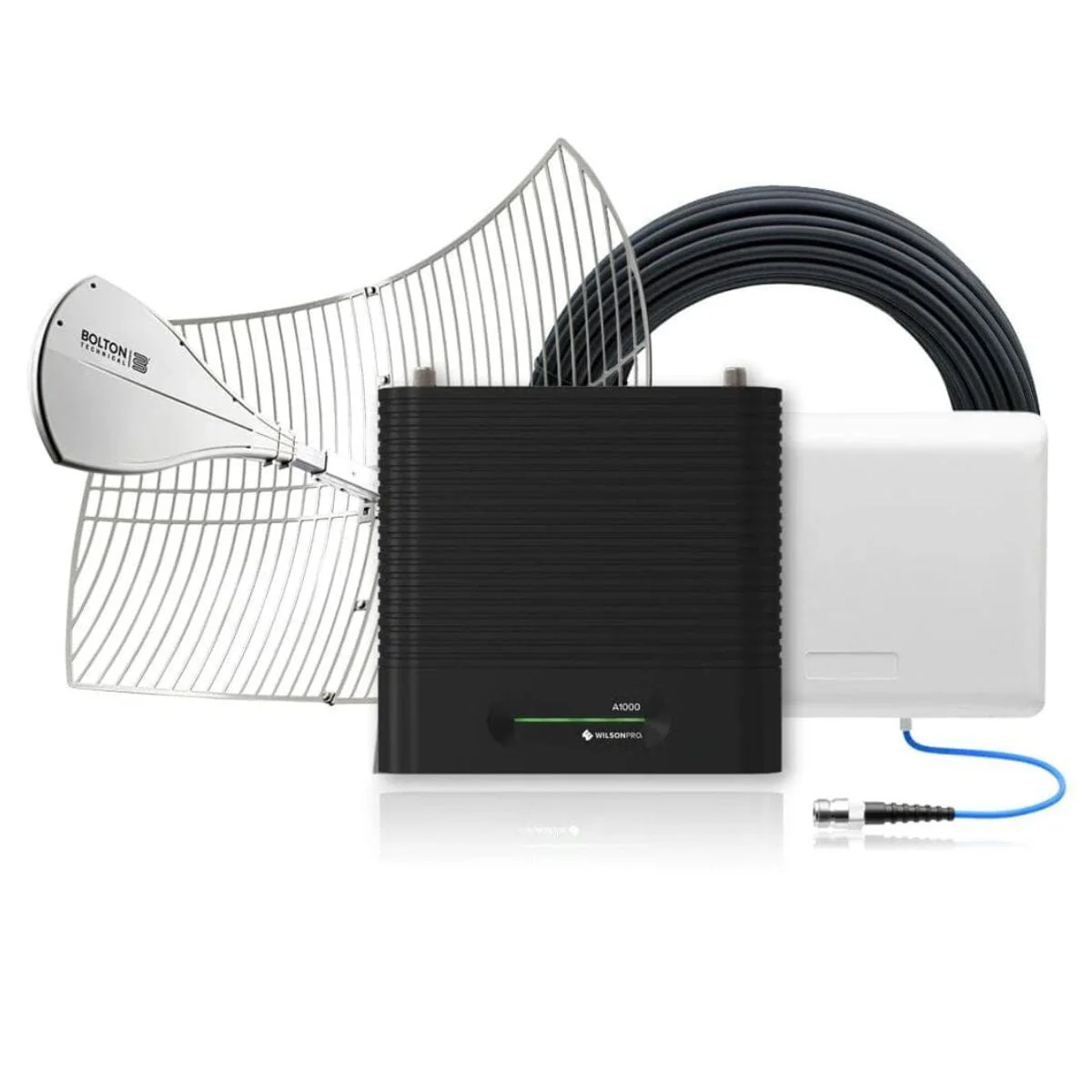
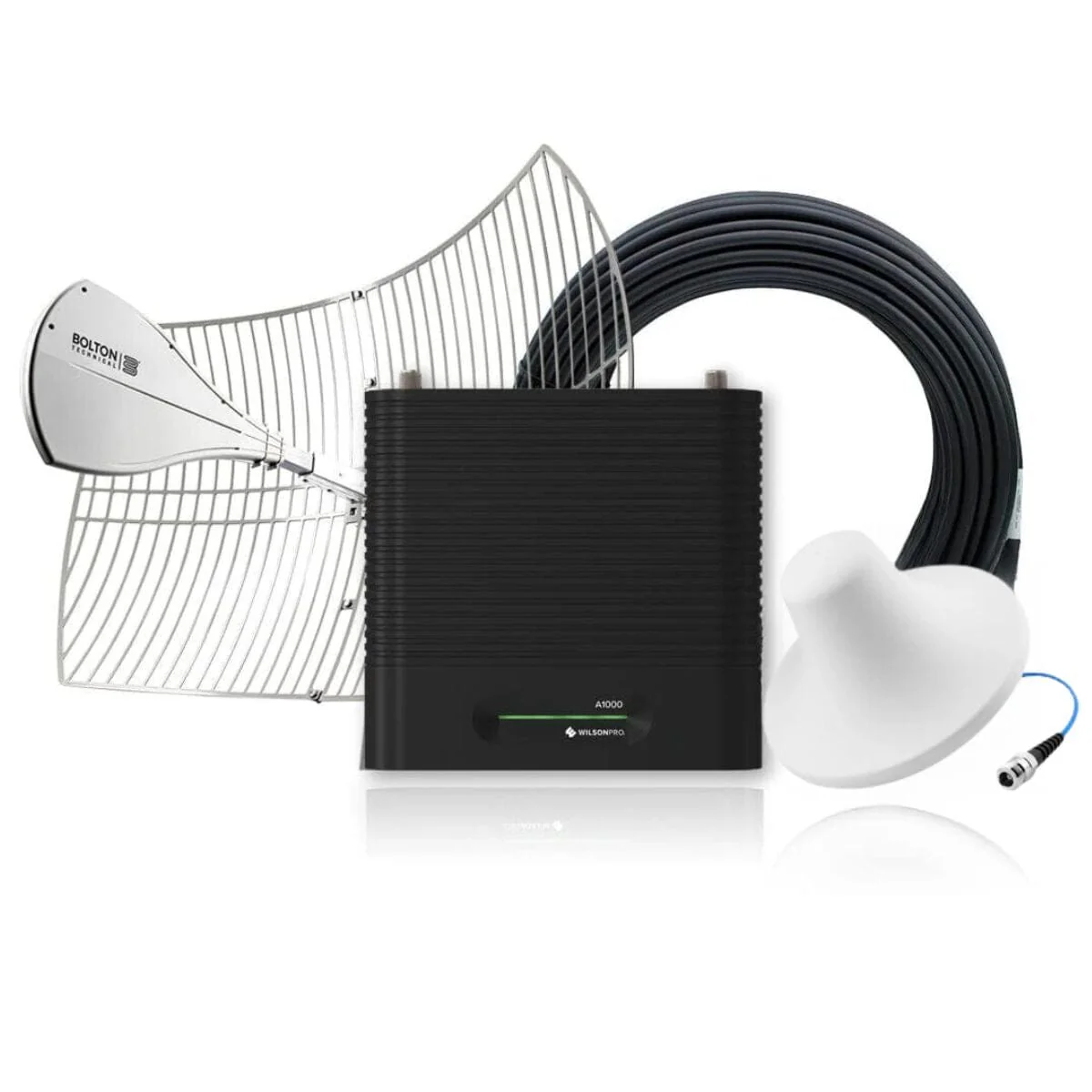
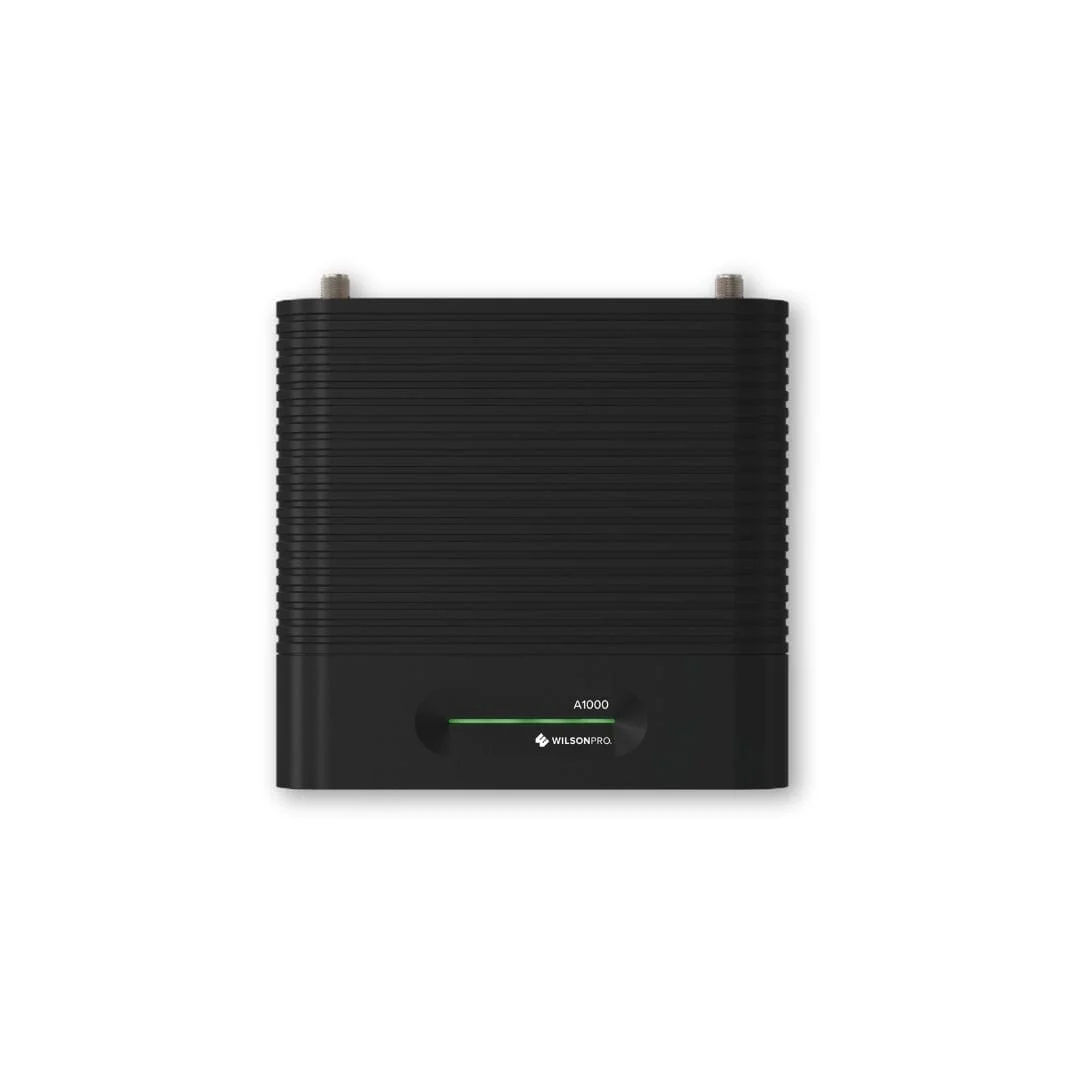
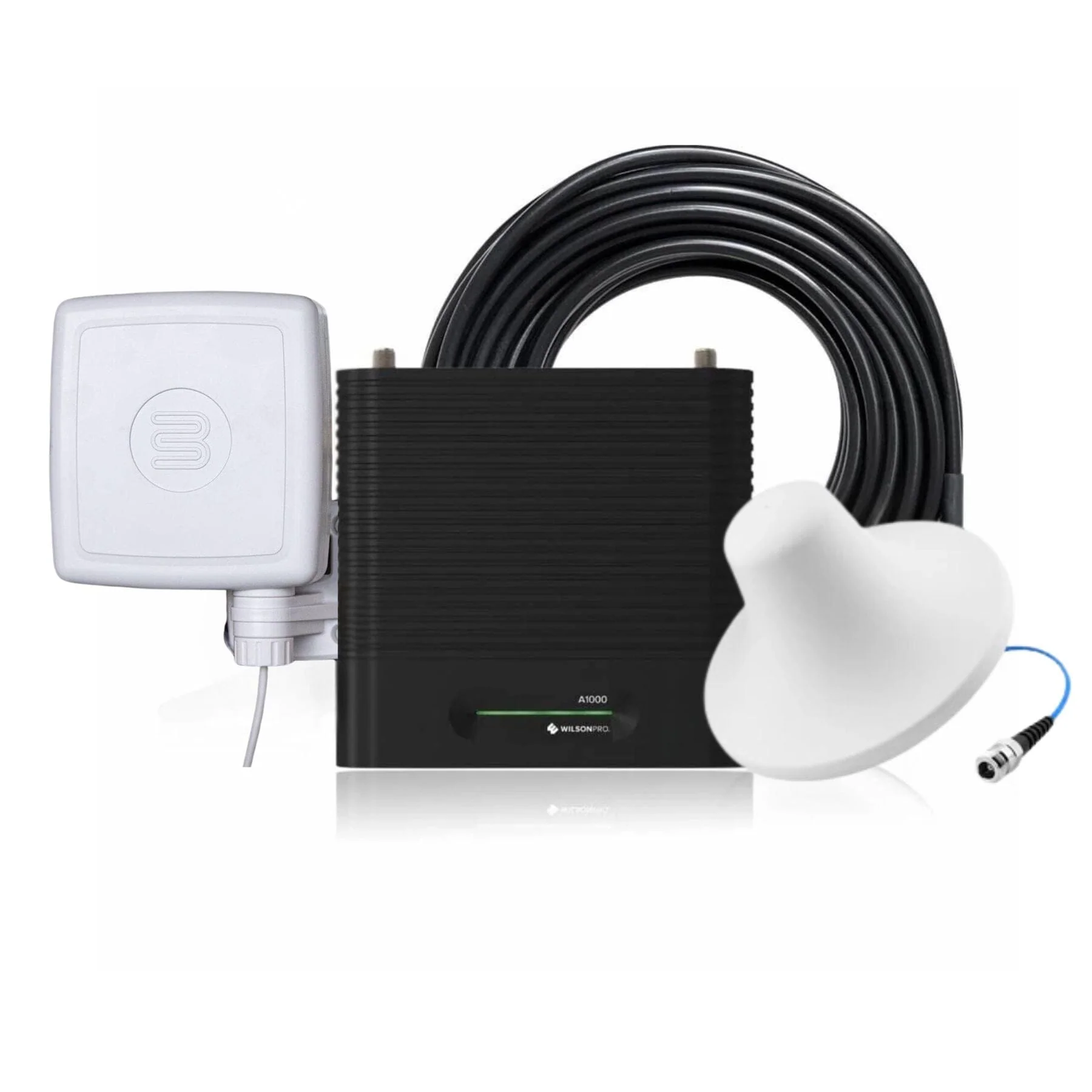
If you're in need of a powerful commercial cell phone signal booster, look no further than the WilsonPro A1000 - our most sought-after model for offices and large homes. Boasting automatic gain control and a self-optimizing design, this booster is designed for quick and effortless installation and maintenance.
\nOur popular commercial booster is the perfect solution to boost 4G LTE and 3G signals for any building up to 1,000m2. It's compatible with all major South African networks and all types of cellular devices including smartphones, tablets, notebooks, and hotspots. With a complete kit that includes all the necessary parts, installation is easy and hassle-free. Our booster guarantees better voice, text, and internet connectivity with up to +74 dB's of gain, enhancing cell service for all your wireless cellular devices. Don't let poor signal strength hold you back - trust us to keep you connected.
\nOur booster is a cost-effective solution with no monthly fees and no need for internet connectivity (wifi or landline) to work. It operates by amplifying your existing in-building cellular service up to 32X, resulting in better call quality, and faster internet speeds. Say goodbye to dropped calls and slow internet and enjoy seamless connectivity with our reliable booster.
\nEnjoy peace of mind with WilsonPro boosters, backed by a 2-year manufacturer warranty and a risk-free 30-day money-back guarantee . We also offer free delivery to all major South African centers, making it easy to get your booster up and running. Our technical support team, trained by Wilson in the USA, is available to assist you with any technical or sales-related issues you may encounter. Trust us to provide the support you need for uninterrupted connectivity.
\nFor Businesses in Need of Commercial Building Coverage.
\nIdeal for: Large Multi-Story Buildings, Industrial Warehouses, Schools, Hospitals, Hotels, Underground Parking Areas, and Other Spacious Office Environments.
\n*The WilsonPro A1000 typically covers 250m2* to 1000m2* based on our customer response and install team. The final coverage depends on your incoming signal strength, obstructions and building layout.
\nWhen it comes to poor cellular reception in buildings, the top three causes are typically cell tower distance, outside interference, and building material. Urban areas tend to be more affected by building material, while rural areas often struggle with cell tower distance. No matter where you are, being aware of these factors can assist you in finding the most effective solution to enhance your cellular coverage.
\nIn South Africa, a lot of Corporate buildings are constructed using high-density materials like thick concrete, brick, and metal, which can interfere with cell signals. Additionally, many modern buildings are designed with energy-efficient materials such as radiant barriers and low-energy glass that may also disrupt signals. As a result, both old and new buildings in South Africa may encounter difficulties with cellular coverage due to their construction materials.
\nAny combination of these obstructions interrupts cellular service inside the building.
\nWilsonPro's commercial cell phone signal boosters are engineered to address the three primary factors that contribute to poor cellular coverage. With the ability to amplify signals, bypass building material interference, and reach greater distances from cell towers, these boosters deliver enhanced coverage and connectivity.
\nThe WilsonPro A1000 is the preferred option for improving cellular coverage in buildings and offices.
\n**Selected Telkom bands only - excluding Telkom LTE (2300Mhz)
\nThe following is an estimation of coverage you will receive is dependent on your input signal:
\n| Signal Input | \nCoverage Estimation | \n
| \n -89 AND LOWER \nAbout 5 bars \n | \n\n UP TO 1,000 m² \n | \n
| \n -90 dB \nAbout 3-4 bars \n | \n\n UP TO 500 m² \n | \n
| \n -100 dB \nAbout 1-2 bars \n | \n\n UP TO 250 m² \n | \n
| \n -110dB \nAbout 1 bar \n | \n\n UP TO 125 m² \n | \n
| \n No existing Signal \n | \n\n A signal booster likely won’t work \n | \n

| Brand 1 | \n2100 MHz | \n
| Band 3 | \n1800 MHz | \n
| Band 8 | \n900 MHz | \n
| Impedance | \n50 Ohm | \n
| Max Gain | \n74 dB | \n
| Input Power \n | \nAC/DC 5V / 3A | \n
| Connectors | \nN-Female | \n
| Dimensions | \n3,8 x 16 x 22 cm | \n
| Weight | \n1.55kg(amp only) | \n
Installing the WilsonPro A1000 Signal Booster kit system is fairly straight forward, but will require running cable from the roof or elevated location into the building, as well as potentially drilling and screwing in components.
Before you begin, we recommend that you start with a soft installation, where you don't permanently mount components, drill holes or finalize cable runs until you're sure that the system is performing to the level that you would like. Once you've tested out antenna and component locations, and are satisfied with the results, then you can go ahead and permanently install everything. Finally, read through the entire set of installation instructions both here and in the included manual before beginning, and feel free to call us with any questions before you proceed.

We'll start the installation from the roof and work our way into the building. First, start by determining the part of the roof that receives the best signal, as we'll want to locate the directional antenna there and ideally aim it away from the building (and not back over the roof). Once you've identified the portion of the roof which is best, locate the vertical pole which you'll be mounting the yagi directional antenna as high up on the roof as possible. Attach the directional antenna and temporarily aim it away from the building. Run the 10 meter cable from the antenna into the building.
\nOnce the cable is inside the building, run the cable to the area where you plan to locate the amplifier. Attach the included lightning protector and then connect the 1.5 meter cable to the \"Outside Antenna\" port of the amplifier. Connect the 15 meter cable to the \"Inside Port\" on the other side of the amplifier, and run it to the location where you plan to mount the inside antenna. Attach the antenna and install either on the ceiling facing downwards, or on the wall facing across the area that you want to cover with boosted signal.
\nOnce all of the components are connected, power on the amplifier by plugging it in. As it's powering up, you should see the lights flashing, and then check to see that they turn solid green. If the lights are not solid green, check out the portion of the owners manual that discusses the indicator lights to find out what they mean. Of, you can always contact us for help.
\nDirectional antennas must be aimed for best results. When aiming and when mounting the antenna, make sure that it is parallel with the ground, do not aim it up at the sky or down at the ground. Start with the antenna high on the roof pointed in one direction. Turn on the system and have a person inside stand 30cm in front of the inside antenna and take a signal reading with their phone in field test mode. Rotate the outside antenna 45 degrees (1/8th of the way around) and then pause for 60 seconds. After the pause, the person inside should take another signal reading from exactly the same spot, and then you can repeat the process. After you've gone all the way around, mount the antenna facing in the direction with the strongest signal (decibel signal reading will be closest to 0). If possible, also mount the antenna on that side of the home or office so that it's pointing away from the building and not over the building.
\n
The included manual is very helpful and we recommend reading through it before beginning the installation. If you run into any issues, feel free to contact us for help.
","image":["/images/boltontechnicalhq.shop/images/product/wilsonpro-a1000-1.jpg","/images/boltontechnicalhq.shop/images/product/wilsonpro-a1000-2.jpg","/images/boltontechnicalhq.shop/images/product/wilsonpro-a1000-3.jpg","/images/boltontechnicalhq.shop/images/product/wilsonpro-a1000-signal-booster-amp-only-1.jpg","/images/boltontechnicalhq.shop/images/product/wilsonpro-a1000-5.jpg","/images/boltontechnicalhq.shop/images/product/wilsonpro-a1000-6.jpg","/images/boltontechnicalhq.shop/images/product/wilsonpro-a1000-7.jpg","/images/boltontechnicalhq.shop/images/product/wilsonpro-a1000-8.jpg","/images/boltontechnicalhq.shop/images/product/wilsonpro-a1000-9.jpg","/images/boltontechnicalhq.shop/images/product/wilsonpro-a1000-10.jpg","/images/boltontechnicalhq.shop/images/product/wilsonpro-a1000-11.jpg","/images/boltontechnicalhq.shop/images/product/wilsonpro-a1000-12.jpg","/images/boltontechnicalhq.shop/images/product/wilsonpro-a1000-13.jpg","/images/boltontechnicalhq.shop/images/product/wilsonpro-a1000-14.jpg"],"sku":"wilsonpro-a1000-2","brand":{"@type":"Brand","name":"Bolton Technical South Africa"},"offers":{"@type":"AggregateOffer","lowPrice":248.44,"highPrice":300.46,"priceCurrency":"USD","availability":"https://schema.org/InStock","url":"https://boltontechnicalhq.shop/products/wilsonpro-a1000-2","offerCount":10}}
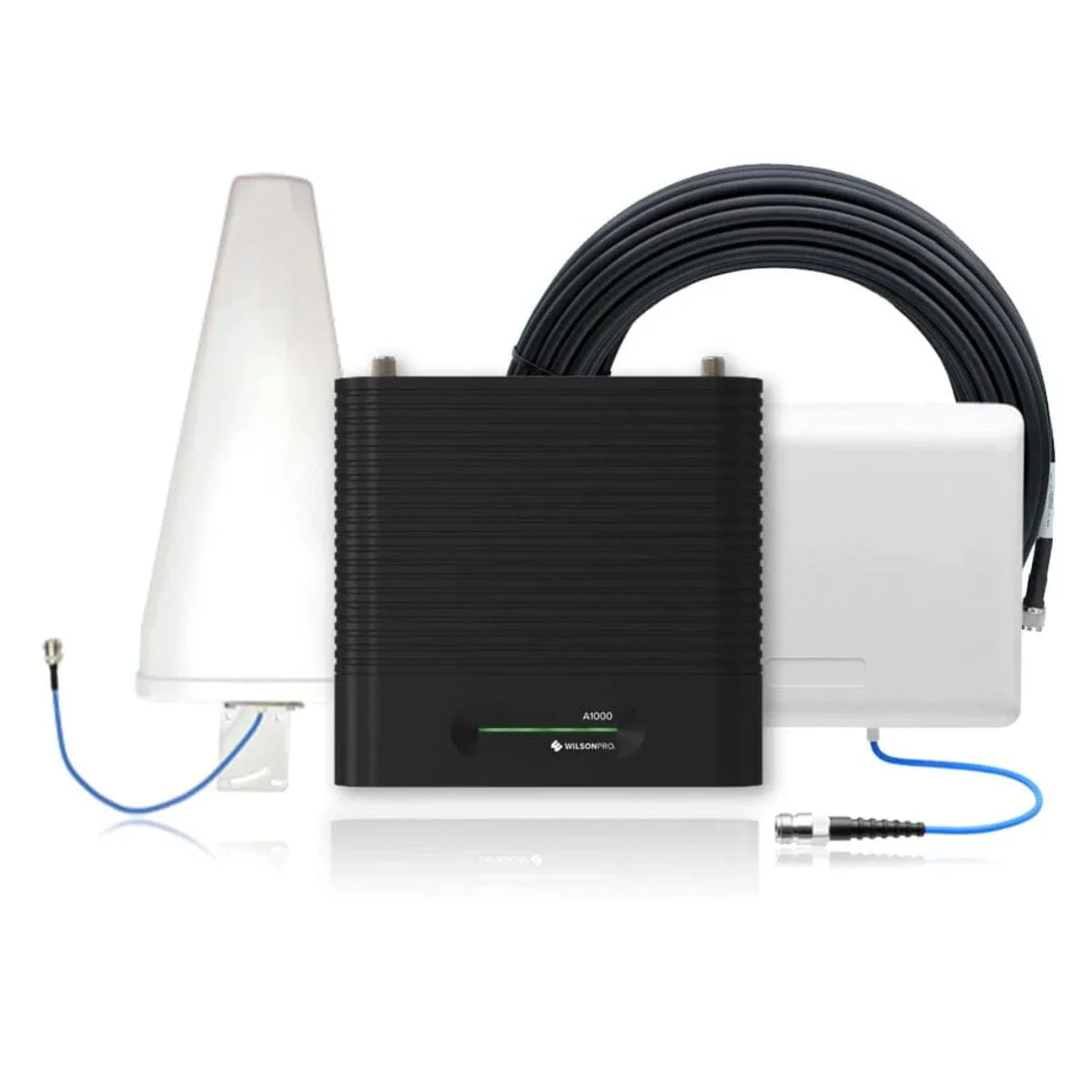
If you're in need of a powerful commercial cell phone signal booster, look no further than the WilsonPro A1000 - our most sought-after model for offices and large homes. Boasting automatic gain control and a self-optimizing design, this booster is designed for quick and effortless installation and maintenance.
Our popular commercial booster is the perfect solution to boost 4G LTE and 3G signals for any building up to 1,000m2. It's compatible with all major South African networks and all types of cellular devices including smartphones, tablets, notebooks, and hotspots. With a complete kit that includes all the necessary parts, installation is easy and hassle-free. Our booster guarantees better voice, text, and internet connectivity with up to +74 dB's of gain, enhancing cell service for all your wireless cellular devices. Don't let poor signal strength hold you back - trust us to keep you connected.
Our booster is a cost-effective solution with no monthly fees and no need for internet connectivity (wifi or landline) to work. It operates by amplifying your existing in-building cellular service up to 32X, resulting in better call quality, and faster internet speeds. Say goodbye to dropped calls and slow internet and enjoy seamless connectivity with our reliable booster.
Enjoy peace of mind with WilsonPro boosters, backed by a 2-year manufacturer warranty and a risk-free 30-day money-back guarantee . We also offer free delivery to all major South African centers, making it easy to get your booster up and running. Our technical support team, trained by Wilson in the USA, is available to assist you with any technical or sales-related issues you may encounter. Trust us to provide the support you need for uninterrupted connectivity.
For Businesses in Need of Commercial Building Coverage.
Ideal for: Large Multi-Story Buildings, Industrial Warehouses, Schools, Hospitals, Hotels, Underground Parking Areas, and Other Spacious Office Environments.
*The WilsonPro A1000 typically covers 250m2* to 1000m2* based on our customer response and install team. The final coverage depends on your incoming signal strength, obstructions and building layout.
When it comes to poor cellular reception in buildings, the top three causes are typically cell tower distance, outside interference, and building material. Urban areas tend to be more affected by building material, while rural areas often struggle with cell tower distance. No matter where you are, being aware of these factors can assist you in finding the most effective solution to enhance your cellular coverage.
In South Africa, a lot of Corporate buildings are constructed using high-density materials like thick concrete, brick, and metal, which can interfere with cell signals. Additionally, many modern buildings are designed with energy-efficient materials such as radiant barriers and low-energy glass that may also disrupt signals. As a result, both old and new buildings in South Africa may encounter difficulties with cellular coverage due to their construction materials.
Any combination of these obstructions interrupts cellular service inside the building.
WilsonPro's commercial cell phone signal boosters are engineered to address the three primary factors that contribute to poor cellular coverage. With the ability to amplify signals, bypass building material interference, and reach greater distances from cell towers, these boosters deliver enhanced coverage and connectivity.
The WilsonPro A1000 is the preferred option for improving cellular coverage in buildings and offices.
**Selected Telkom bands only - excluding Telkom LTE (2300Mhz)
The following is an estimation of coverage you will receive is dependent on your input signal:
| Signal Input | Coverage Estimation |
|
-89 AND LOWER About 5 bars |
UP TO 1,000 m² |
|
-90 dB About 3-4 bars |
UP TO 500 m² |
|
-100 dB About 1-2 bars |
UP TO 250 m² |
|
-110dB About 1 bar |
UP TO 125 m² |
|
No existing Signal |
A signal booster likely won’t work |

| Brand 1 | 2100 MHz |
| Band 3 | 1800 MHz |
| Band 8 | 900 MHz |
| Impedance | 50 Ohm |
| Max Gain | 74 dB |
| Input Power |
AC/DC 5V / 3A |
| Connectors | N-Female |
| Dimensions | 3,8 x 16 x 22 cm |
| Weight | 1.55kg(amp only) |
Installing the WilsonPro A1000 Signal Booster kit system is fairly straight forward, but will require running cable from the roof or elevated location into the building, as well as potentially drilling and screwing in components.
Before you begin, we recommend that you start with a soft installation, where you don't permanently mount components, drill holes or finalize cable runs until you're sure that the system is performing to the level that you would like. Once you've tested out antenna and component locations, and are satisfied with the results, then you can go ahead and permanently install everything. Finally, read through the entire set of installation instructions both here and in the included manual before beginning, and feel free to call us with any questions before you proceed.
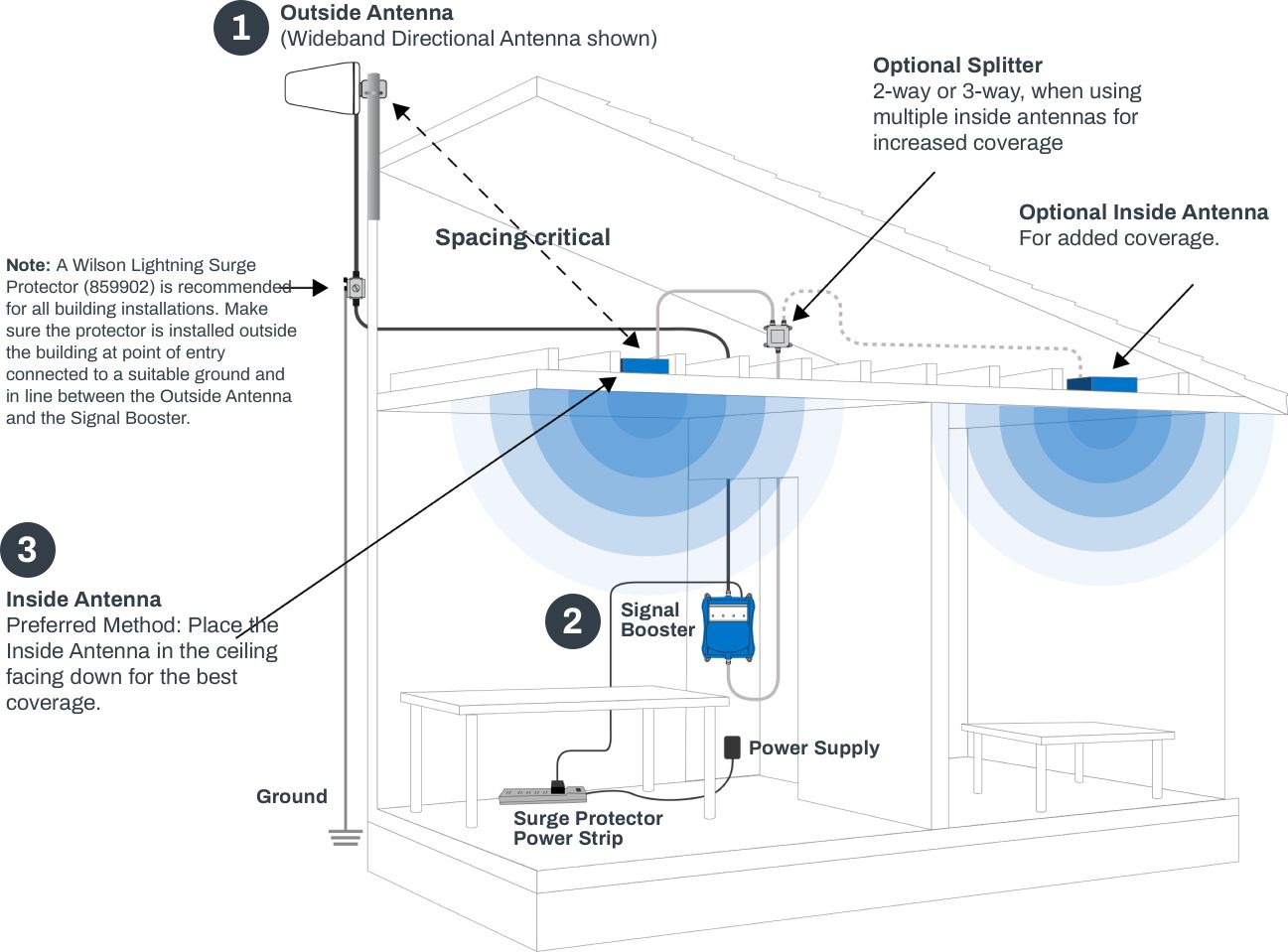
We'll start the installation from the roof and work our way into the building. First, start by determining the part of the roof that receives the best signal, as we'll want to locate the directional antenna there and ideally aim it away from the building (and not back over the roof). Once you've identified the portion of the roof which is best, locate the vertical pole which you'll be mounting the yagi directional antenna as high up on the roof as possible. Attach the directional antenna and temporarily aim it away from the building. Run the 10 meter cable from the antenna into the building.
Once the cable is inside the building, run the cable to the area where you plan to locate the amplifier. Attach the included lightning protector and then connect the 1.5 meter cable to the "Outside Antenna" port of the amplifier. Connect the 15 meter cable to the "Inside Port" on the other side of the amplifier, and run it to the location where you plan to mount the inside antenna. Attach the antenna and install either on the ceiling facing downwards, or on the wall facing across the area that you want to cover with boosted signal.
Once all of the components are connected, power on the amplifier by plugging it in. As it's powering up, you should see the lights flashing, and then check to see that they turn solid green. If the lights are not solid green, check out the portion of the owners manual that discusses the indicator lights to find out what they mean. Of, you can always contact us for help.
Directional antennas must be aimed for best results. When aiming and when mounting the antenna, make sure that it is parallel with the ground, do not aim it up at the sky or down at the ground. Start with the antenna high on the roof pointed in one direction. Turn on the system and have a person inside stand 30cm in front of the inside antenna and take a signal reading with their phone in field test mode. Rotate the outside antenna 45 degrees (1/8th of the way around) and then pause for 60 seconds. After the pause, the person inside should take another signal reading from exactly the same spot, and then you can repeat the process. After you've gone all the way around, mount the antenna facing in the direction with the strongest signal (decibel signal reading will be closest to 0). If possible, also mount the antenna on that side of the home or office so that it's pointing away from the building and not over the building.
The included manual is very helpful and we recommend reading through it before beginning the installation. If you run into any issues, feel free to contact us for help.
Original: $828.13
-70%$828.13
$248.44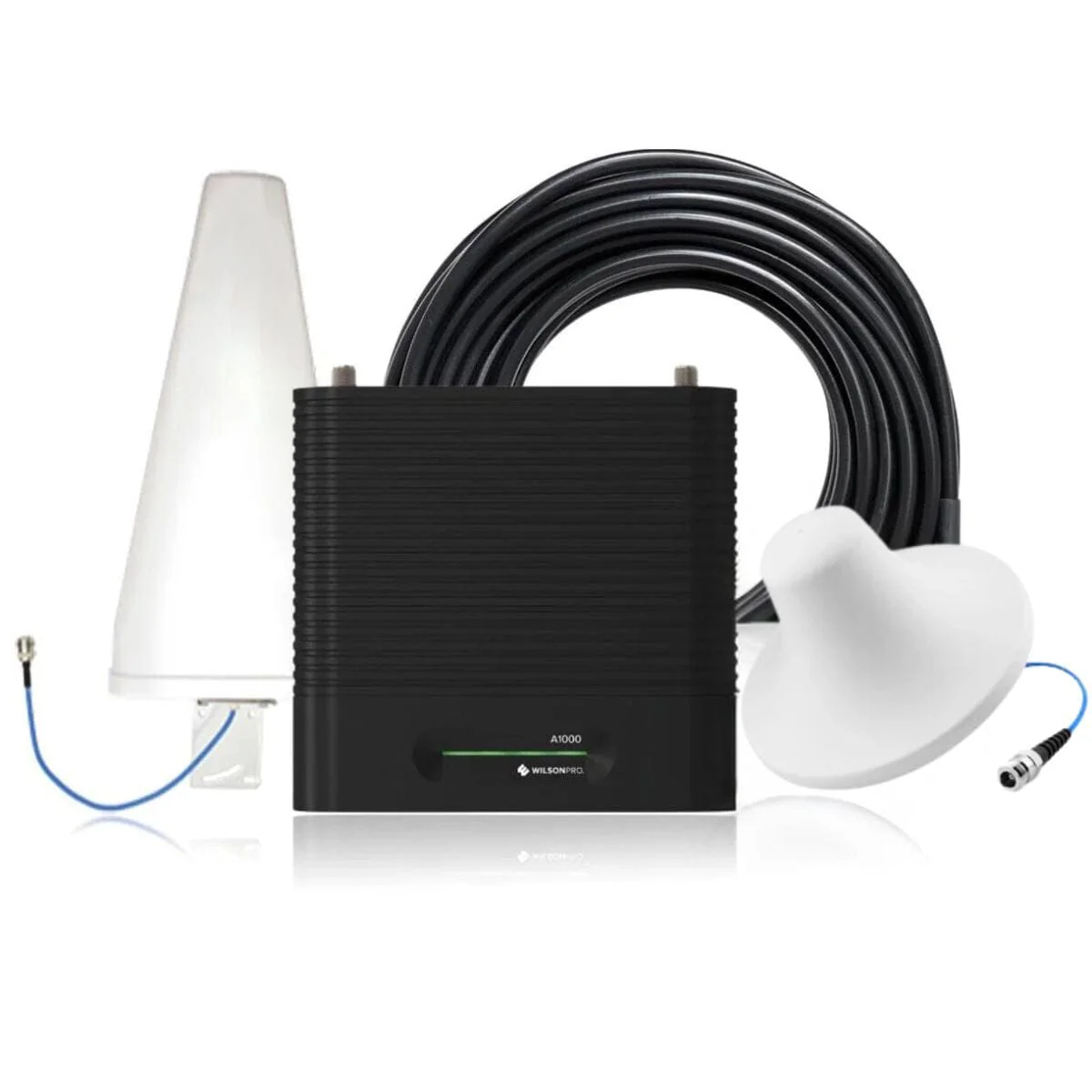
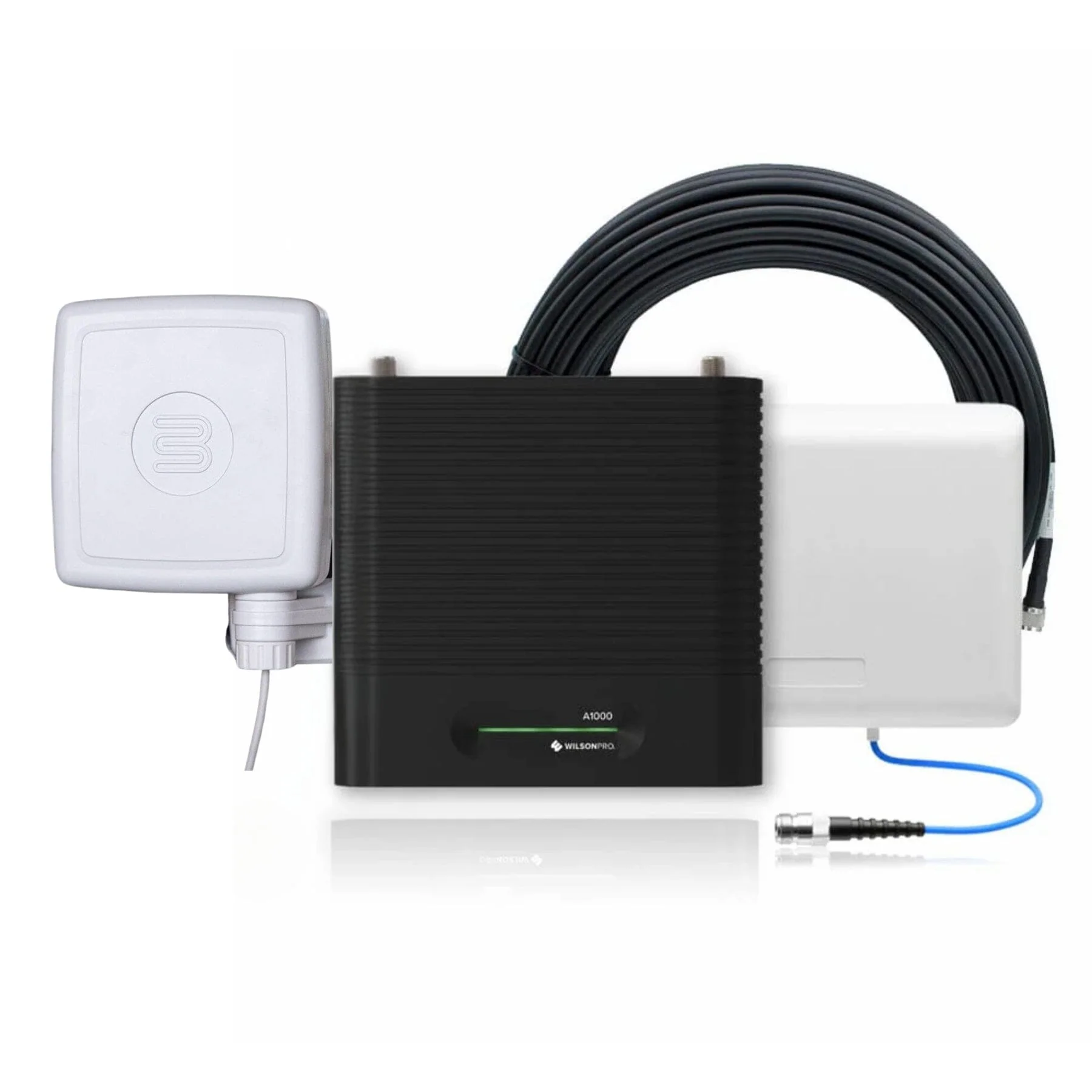
If you're in need of a powerful commercial cell phone signal booster, look no further than the WilsonPro A1000 - our most sought-after model for offices and large homes. Boasting automatic gain control and a self-optimizing design, this booster is designed for quick and effortless installation and maintenance.
Our popular commercial booster is the perfect solution to boost 4G LTE and 3G signals for any building up to 1,000m2. It's compatible with all major South African networks and all types of cellular devices including smartphones, tablets, notebooks, and hotspots. With a complete kit that includes all the necessary parts, installation is easy and hassle-free. Our booster guarantees better voice, text, and internet connectivity with up to +74 dB's of gain, enhancing cell service for all your wireless cellular devices. Don't let poor signal strength hold you back - trust us to keep you connected.
Our booster is a cost-effective solution with no monthly fees and no need for internet connectivity (wifi or landline) to work. It operates by amplifying your existing in-building cellular service up to 32X, resulting in better call quality, and faster internet speeds. Say goodbye to dropped calls and slow internet and enjoy seamless connectivity with our reliable booster.
Enjoy peace of mind with WilsonPro boosters, backed by a 2-year manufacturer warranty and a risk-free 30-day money-back guarantee . We also offer free delivery to all major South African centers, making it easy to get your booster up and running. Our technical support team, trained by Wilson in the USA, is available to assist you with any technical or sales-related issues you may encounter. Trust us to provide the support you need for uninterrupted connectivity.
For Businesses in Need of Commercial Building Coverage.
Ideal for: Large Multi-Story Buildings, Industrial Warehouses, Schools, Hospitals, Hotels, Underground Parking Areas, and Other Spacious Office Environments.
*The WilsonPro A1000 typically covers 250m2* to 1000m2* based on our customer response and install team. The final coverage depends on your incoming signal strength, obstructions and building layout.
When it comes to poor cellular reception in buildings, the top three causes are typically cell tower distance, outside interference, and building material. Urban areas tend to be more affected by building material, while rural areas often struggle with cell tower distance. No matter where you are, being aware of these factors can assist you in finding the most effective solution to enhance your cellular coverage.
In South Africa, a lot of Corporate buildings are constructed using high-density materials like thick concrete, brick, and metal, which can interfere with cell signals. Additionally, many modern buildings are designed with energy-efficient materials such as radiant barriers and low-energy glass that may also disrupt signals. As a result, both old and new buildings in South Africa may encounter difficulties with cellular coverage due to their construction materials.
Any combination of these obstructions interrupts cellular service inside the building.
WilsonPro's commercial cell phone signal boosters are engineered to address the three primary factors that contribute to poor cellular coverage. With the ability to amplify signals, bypass building material interference, and reach greater distances from cell towers, these boosters deliver enhanced coverage and connectivity.
The WilsonPro A1000 is the preferred option for improving cellular coverage in buildings and offices.
**Selected Telkom bands only - excluding Telkom LTE (2300Mhz)
The following is an estimation of coverage you will receive is dependent on your input signal:
| Signal Input | Coverage Estimation |
|
-89 AND LOWER About 5 bars |
UP TO 1,000 m² |
|
-90 dB About 3-4 bars |
UP TO 500 m² |
|
-100 dB About 1-2 bars |
UP TO 250 m² |
|
-110dB About 1 bar |
UP TO 125 m² |
|
No existing Signal |
A signal booster likely won’t work |
| Brand 1 | 2100 MHz |
| Band 3 | 1800 MHz |
| Band 8 | 900 MHz |
| Impedance | 50 Ohm |
| Max Gain | 74 dB |
| Input Power |
AC/DC 5V / 3A |
| Connectors | N-Female |
| Dimensions | 3,8 x 16 x 22 cm |
| Weight | 1.55kg(amp only) |
Installing the WilsonPro A1000 Signal Booster kit system is fairly straight forward, but will require running cable from the roof or elevated location into the building, as well as potentially drilling and screwing in components.
Before you begin, we recommend that you start with a soft installation, where you don't permanently mount components, drill holes or finalize cable runs until you're sure that the system is performing to the level that you would like. Once you've tested out antenna and component locations, and are satisfied with the results, then you can go ahead and permanently install everything. Finally, read through the entire set of installation instructions both here and in the included manual before beginning, and feel free to call us with any questions before you proceed.
We'll start the installation from the roof and work our way into the building. First, start by determining the part of the roof that receives the best signal, as we'll want to locate the directional antenna there and ideally aim it away from the building (and not back over the roof). Once you've identified the portion of the roof which is best, locate the vertical pole which you'll be mounting the yagi directional antenna as high up on the roof as possible. Attach the directional antenna and temporarily aim it away from the building. Run the 10 meter cable from the antenna into the building.
Once the cable is inside the building, run the cable to the area where you plan to locate the amplifier. Attach the included lightning protector and then connect the 1.5 meter cable to the "Outside Antenna" port of the amplifier. Connect the 15 meter cable to the "Inside Port" on the other side of the amplifier, and run it to the location where you plan to mount the inside antenna. Attach the antenna and install either on the ceiling facing downwards, or on the wall facing across the area that you want to cover with boosted signal.
Once all of the components are connected, power on the amplifier by plugging it in. As it's powering up, you should see the lights flashing, and then check to see that they turn solid green. If the lights are not solid green, check out the portion of the owners manual that discusses the indicator lights to find out what they mean. Of, you can always contact us for help.
Directional antennas must be aimed for best results. When aiming and when mounting the antenna, make sure that it is parallel with the ground, do not aim it up at the sky or down at the ground. Start with the antenna high on the roof pointed in one direction. Turn on the system and have a person inside stand 30cm in front of the inside antenna and take a signal reading with their phone in field test mode. Rotate the outside antenna 45 degrees (1/8th of the way around) and then pause for 60 seconds. After the pause, the person inside should take another signal reading from exactly the same spot, and then you can repeat the process. After you've gone all the way around, mount the antenna facing in the direction with the strongest signal (decibel signal reading will be closest to 0). If possible, also mount the antenna on that side of the home or office so that it's pointing away from the building and not over the building.
The included manual is very helpful and we recommend reading through it before beginning the installation. If you run into any issues, feel free to contact us for help.
Product Information
Shipping & Returns
If you're in need of a powerful commercial cell phone signal booster, look no further than the WilsonPro A1000 - our most sought-after model for offices and large homes. Boasting automatic gain control and a self-optimizing design, this booster is designed for quick and effortless installation and maintenance.
Our popular commercial booster is the perfect solution to boost 4G LTE and 3G signals for any building up to 1,000m2. It's compatible with all major South African networks and all types of cellular devices including smartphones, tablets, notebooks, and hotspots. With a complete kit that includes all the necessary parts, installation is easy and hassle-free. Our booster guarantees better voice, text, and internet connectivity with up to +74 dB's of gain, enhancing cell service for all your wireless cellular devices. Don't let poor signal strength hold you back - trust us to keep you connected.
Our booster is a cost-effective solution with no monthly fees and no need for internet connectivity (wifi or landline) to work. It operates by amplifying your existing in-building cellular service up to 32X, resulting in better call quality, and faster internet speeds. Say goodbye to dropped calls and slow internet and enjoy seamless connectivity with our reliable booster.
Enjoy peace of mind with WilsonPro boosters, backed by a 2-year manufacturer warranty and a risk-free 30-day money-back guarantee . We also offer free delivery to all major South African centers, making it easy to get your booster up and running. Our technical support team, trained by Wilson in the USA, is available to assist you with any technical or sales-related issues you may encounter. Trust us to provide the support you need for uninterrupted connectivity.
For Businesses in Need of Commercial Building Coverage.
Ideal for: Large Multi-Story Buildings, Industrial Warehouses, Schools, Hospitals, Hotels, Underground Parking Areas, and Other Spacious Office Environments.
*The WilsonPro A1000 typically covers 250m2* to 1000m2* based on our customer response and install team. The final coverage depends on your incoming signal strength, obstructions and building layout.
When it comes to poor cellular reception in buildings, the top three causes are typically cell tower distance, outside interference, and building material. Urban areas tend to be more affected by building material, while rural areas often struggle with cell tower distance. No matter where you are, being aware of these factors can assist you in finding the most effective solution to enhance your cellular coverage.
In South Africa, a lot of Corporate buildings are constructed using high-density materials like thick concrete, brick, and metal, which can interfere with cell signals. Additionally, many modern buildings are designed with energy-efficient materials such as radiant barriers and low-energy glass that may also disrupt signals. As a result, both old and new buildings in South Africa may encounter difficulties with cellular coverage due to their construction materials.
Any combination of these obstructions interrupts cellular service inside the building.
WilsonPro's commercial cell phone signal boosters are engineered to address the three primary factors that contribute to poor cellular coverage. With the ability to amplify signals, bypass building material interference, and reach greater distances from cell towers, these boosters deliver enhanced coverage and connectivity.
The WilsonPro A1000 is the preferred option for improving cellular coverage in buildings and offices.
**Selected Telkom bands only - excluding Telkom LTE (2300Mhz)
The following is an estimation of coverage you will receive is dependent on your input signal:
| Signal Input | Coverage Estimation |
|
-89 AND LOWER About 5 bars |
UP TO 1,000 m² |
|
-90 dB About 3-4 bars |
UP TO 500 m² |
|
-100 dB About 1-2 bars |
UP TO 250 m² |
|
-110dB About 1 bar |
UP TO 125 m² |
|
No existing Signal |
A signal booster likely won’t work |
| Brand 1 | 2100 MHz |
| Band 3 | 1800 MHz |
| Band 8 | 900 MHz |
| Impedance | 50 Ohm |
| Max Gain | 74 dB |
| Input Power |
AC/DC 5V / 3A |
| Connectors | N-Female |
| Dimensions | 3,8 x 16 x 22 cm |
| Weight | 1.55kg(amp only) |
Installing the WilsonPro A1000 Signal Booster kit system is fairly straight forward, but will require running cable from the roof or elevated location into the building, as well as potentially drilling and screwing in components.
Before you begin, we recommend that you start with a soft installation, where you don't permanently mount components, drill holes or finalize cable runs until you're sure that the system is performing to the level that you would like. Once you've tested out antenna and component locations, and are satisfied with the results, then you can go ahead and permanently install everything. Finally, read through the entire set of installation instructions both here and in the included manual before beginning, and feel free to call us with any questions before you proceed.
We'll start the installation from the roof and work our way into the building. First, start by determining the part of the roof that receives the best signal, as we'll want to locate the directional antenna there and ideally aim it away from the building (and not back over the roof). Once you've identified the portion of the roof which is best, locate the vertical pole which you'll be mounting the yagi directional antenna as high up on the roof as possible. Attach the directional antenna and temporarily aim it away from the building. Run the 10 meter cable from the antenna into the building.
Once the cable is inside the building, run the cable to the area where you plan to locate the amplifier. Attach the included lightning protector and then connect the 1.5 meter cable to the "Outside Antenna" port of the amplifier. Connect the 15 meter cable to the "Inside Port" on the other side of the amplifier, and run it to the location where you plan to mount the inside antenna. Attach the antenna and install either on the ceiling facing downwards, or on the wall facing across the area that you want to cover with boosted signal.
Once all of the components are connected, power on the amplifier by plugging it in. As it's powering up, you should see the lights flashing, and then check to see that they turn solid green. If the lights are not solid green, check out the portion of the owners manual that discusses the indicator lights to find out what they mean. Of, you can always contact us for help.
Directional antennas must be aimed for best results. When aiming and when mounting the antenna, make sure that it is parallel with the ground, do not aim it up at the sky or down at the ground. Start with the antenna high on the roof pointed in one direction. Turn on the system and have a person inside stand 30cm in front of the inside antenna and take a signal reading with their phone in field test mode. Rotate the outside antenna 45 degrees (1/8th of the way around) and then pause for 60 seconds. After the pause, the person inside should take another signal reading from exactly the same spot, and then you can repeat the process. After you've gone all the way around, mount the antenna facing in the direction with the strongest signal (decibel signal reading will be closest to 0). If possible, also mount the antenna on that side of the home or office so that it's pointing away from the building and not over the building.
The included manual is very helpful and we recommend reading through it before beginning the installation. If you run into any issues, feel free to contact us for help.
Original: $828.13
-70%$828.13
$248.44